

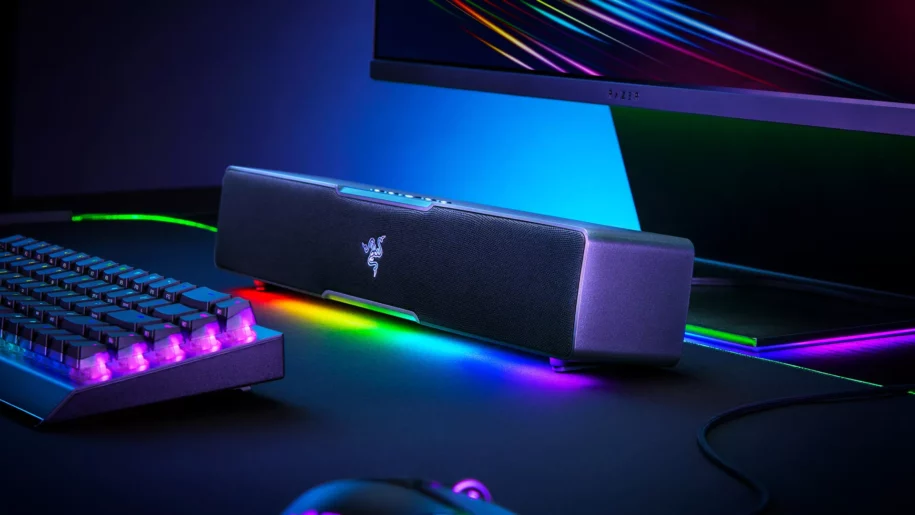
How to increase your PC’s volume: all the solutions for louder and clearer sound
Do you find your PC’s sound too quiet, even at maximum volume? Whether you’re watching a movie, taking an online course, listening to music, or simply playing a video game, this problem is quite common. This is especially true for laptops, whose built-in speakers often offer limited power. Sound that’s too quiet can quickly negatively impact your comfort and productivity.
Fortunately, there are now several ways to boost your PC’s sound, whether through simple adjustments, specialized software, or higher-performance audio hardware. Whether you’re looking for a free solution, a handy tool like Berclet, or more advanced equipment, you’ve come to the right place.
Summary
- Use amplification software
- Berclet audio mixer by application
- Add an external sound card
- Connecting active speakers
- Optimize audio settings
1. Use amplification software to boost the volume
If your sound is too quiet even at maximum volume, one of the first solutions to consider is installing audio amplification software. These tools allow you to overcome the sound limit imposed by the operating system. They act directly on the audio signal by digitally boosting it, which can make a real difference without requiring any additional hardware.
Among the most well-known software are FxSound, Boom 3D, VLC (which has an amplification function of up to 200%), and Equalizer APO. These programs are often free or offered at affordable prices, and their installation takes only a few minutes. They are particularly useful for improving the volume in videos, games, or online calls.
However, be careful not to push it too hard, as this could cause sound distortion or damage to your speakers, especially if they are of average quality. This solution remains ideal for those seeking a quick result without modifying their equipment.
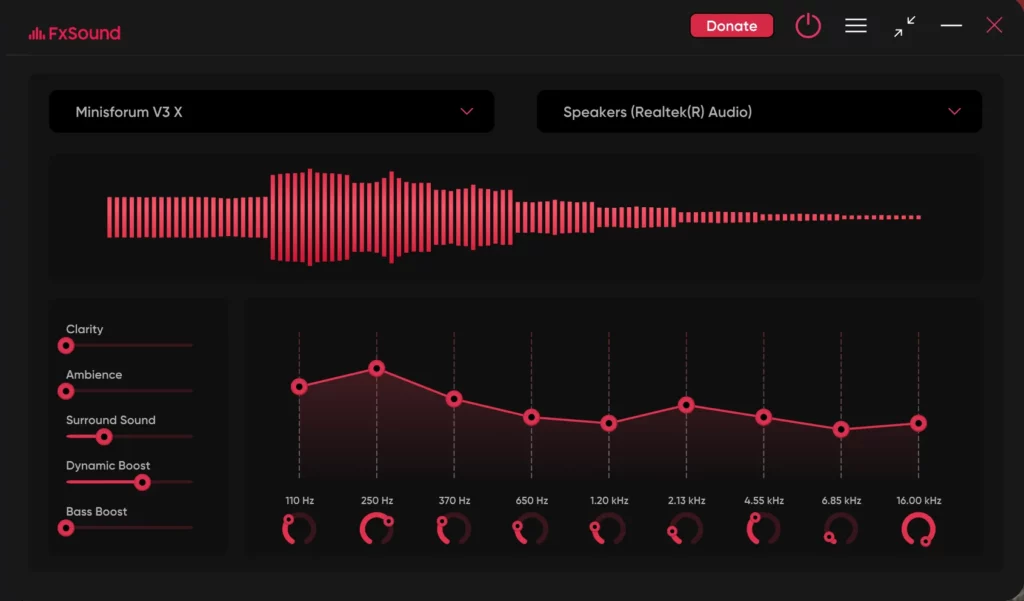
Source : FxSound
2. Berclet manages the sound of each application independently
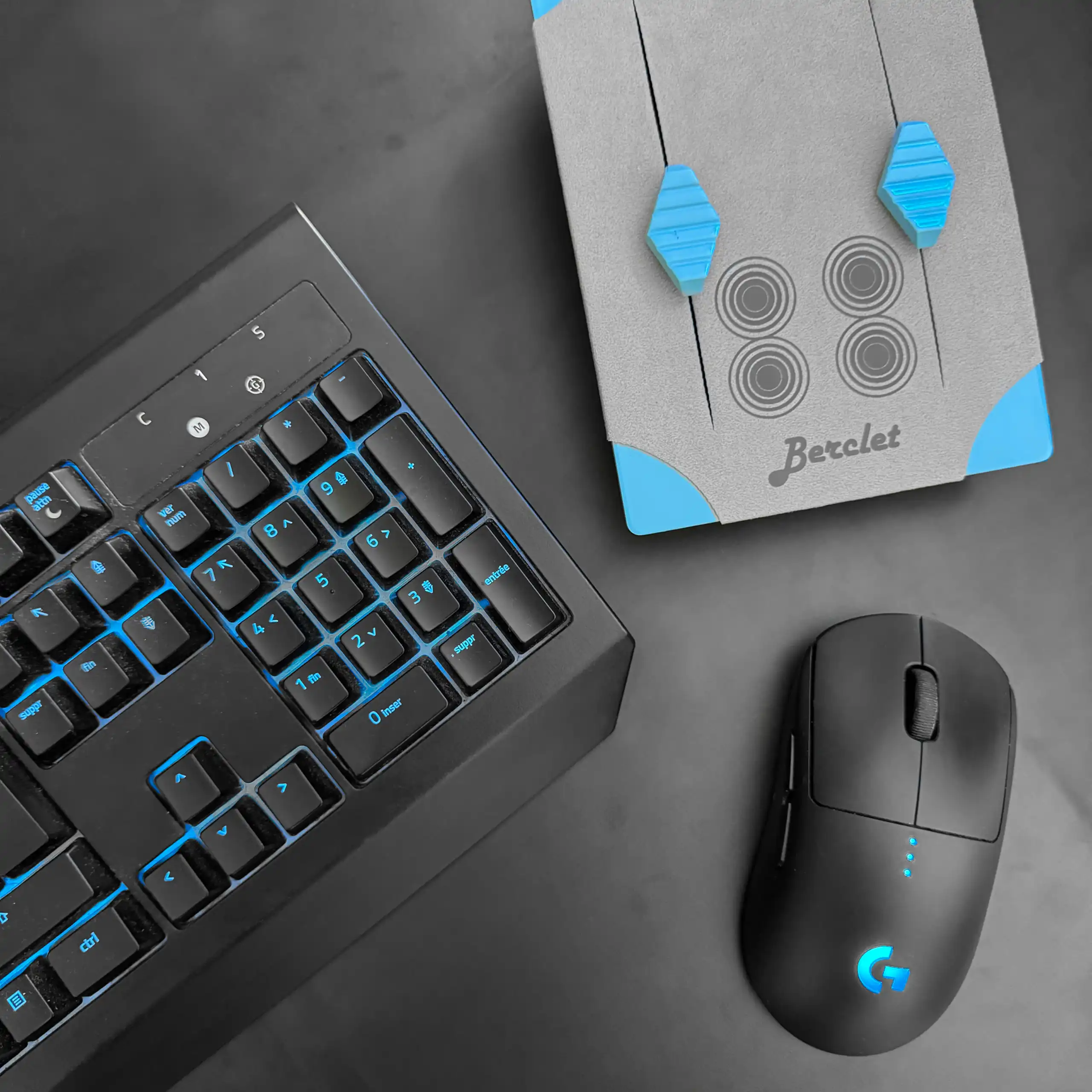
Among the innovative and practical solutions for better controlling your computer’s sound, Berclet clearly stands out. This French product offers a unique approach: allowing you to adjust the volume of each application separately, using a simple and intuitive physical interface. Specifically, you can choose to increase the volume of your browser while decreasing that of Discord or Spotify, without affecting the overall system volume.
What makes Berclet particularly effective is its ability to remember your settings. When you switch between applications, the motorized sliders automatically adjust to your preferences. It’s an ideal solution for streamers, content creators, or simply discerning users who want to maintain complete control over their sound environment.
Berclet doesn’t aim to artificially amplify sound, but rather to intelligently optimize it according to your needs. It’s therefore a relevant choice for those who want to improve their audio comfort without compromising quality.
3. Add an external sound card with an amplified output
If you’re using high-quality headphones or speakers but the volume is still insufficient, the problem might be with your computer’s integrated sound card. In this case, investing in an external sound card can be an excellent solution. These audio interfaces, like the very popular Focusrite Scarlett 2i2, are designed to deliver a cleaner, more powerful signal, better suited to professional audio equipment.
Most of these sound cards offer an amplified headphone output, meaning you’ll get higher volume and more detailed sound reproduction. They also often allow you to connect XLR microphones, instruments, or access advanced settings for your recordings. An external sound card is therefore highly recommended if you do video editing, streaming, or if you listen to a lot of music with good headphones. This type of equipment represents a small investment, but it can truly transform your listening experience.
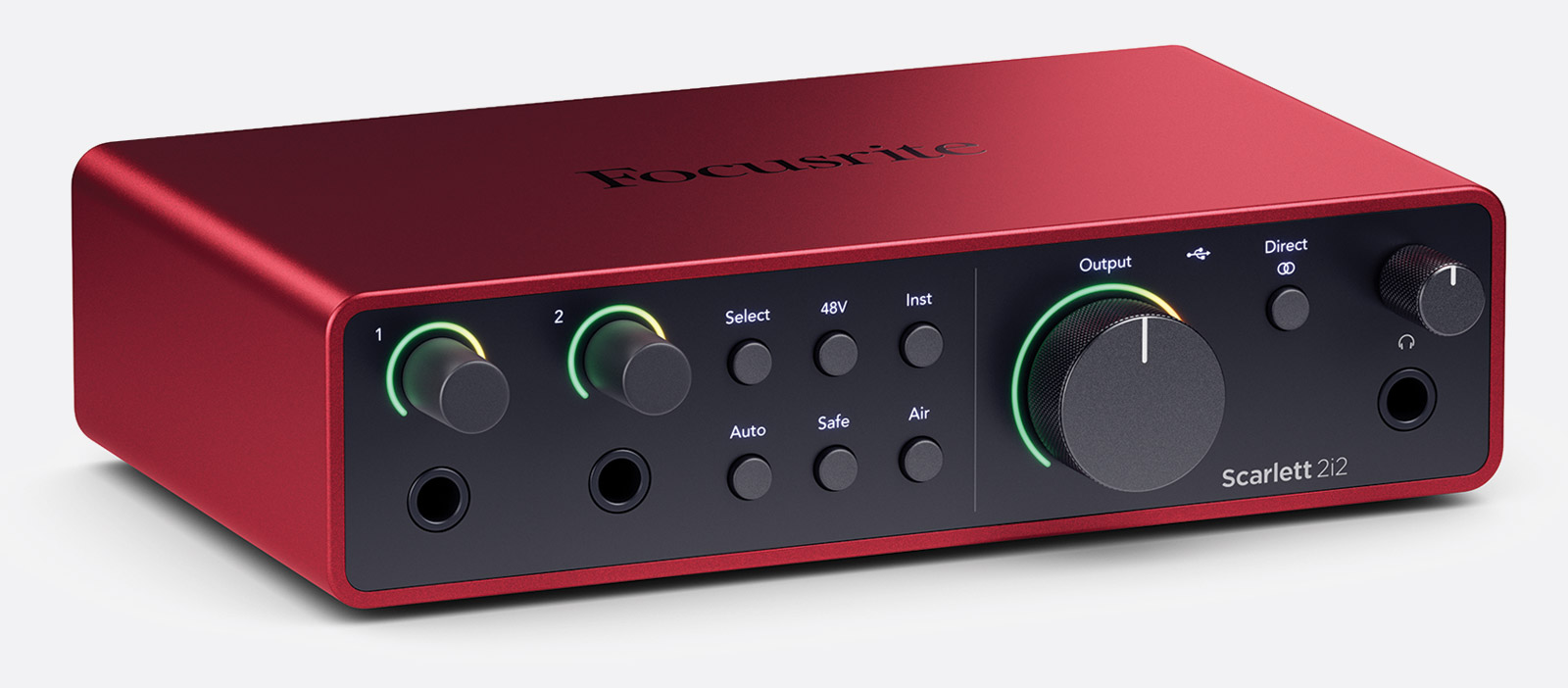
Source : Focusrite

Try Berclet now!
Berclet, your all-in-one audio solution
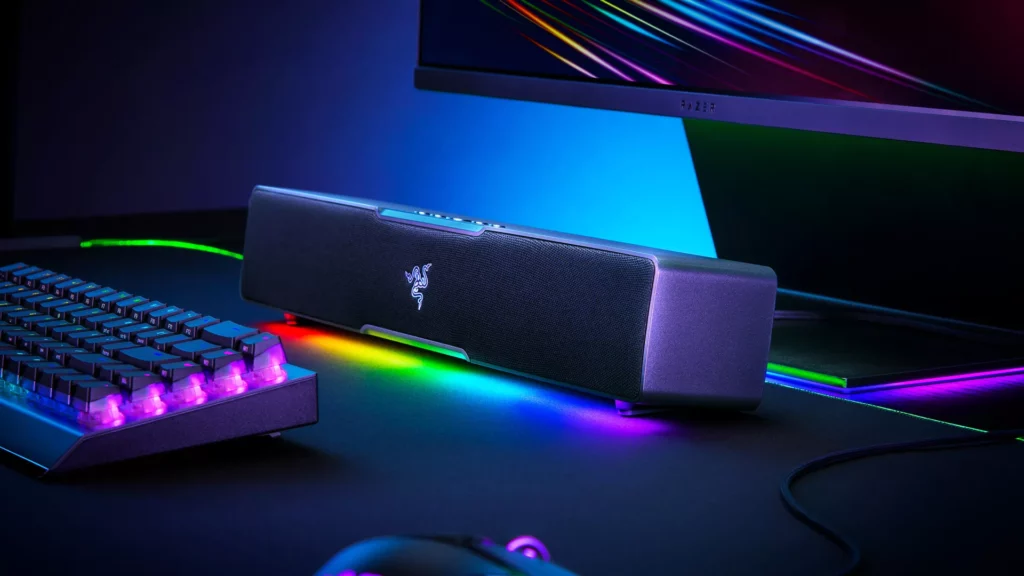
4. Connect active speakers or a soundbar
Another very simple way to boost your PC’s sound is to add external speakers or a soundbar. Built-in speakers, especially on laptops, are limited by their size and power. By connecting a pair of active speakers or a USB or Bluetooth soundbar, you immediately benefit from louder, wider, and often clearer sound.
Some desktop speakers even offer built-in equalizer settings, enhanced bass, or multiple inputs for connecting several sources. As for soundbars, they are becoming increasingly compact and affordable, while still offering an immersive sound experience, ideal for movies or games. This type of solution is plug-and-play, requires no technical expertise, and is suitable for anyone who simply wants to hear what they’re doing better without changing their current setup.
Source : Fandroid
5. Optimize your system’s audio settings
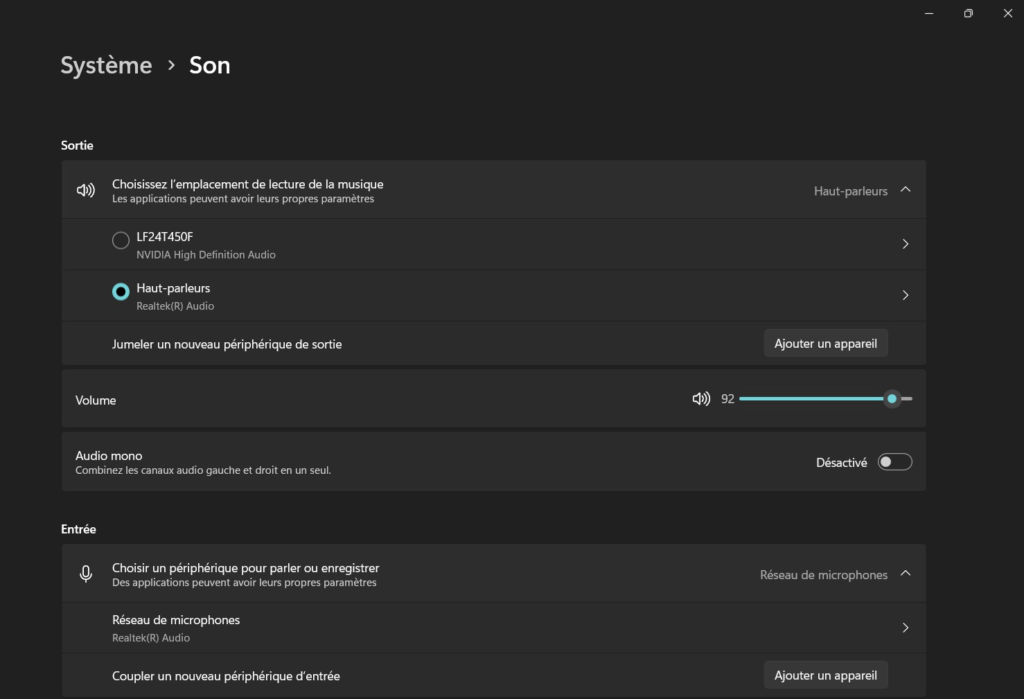
Before investing in an accessory or installing software, it can be helpful to check your computer’s settings. On Windows, open your speaker properties in the audio settings. You can enable options like volume equalization, which balances quiet and loud sounds. Also, check if any audio enhancements are available in the advanced settings. Options like bass boost or virtual surround sound can improve the audio quality.
On macOS, the options are limited by default. However, you can still ensure that the correct audio output is selected and that the volume is properly adjusted. Sometimes, software or browsers have their own volume slider, independent of the computer’s. A simple adjustment may therefore be enough to solve the problem, without needing to change equipment.
Source : Malekal
Conclusion: Which solution is right for you?
There isn’t one single best way to boost your PC’s volume, but rather several options depending on your needs. If you’re looking for a quick and free solution, amplification software like FxSound or Boom 3D might do the trick. If you want more precise volume control per application, Berclet is a modern and effective alternative. For better sound quality, an external sound card like the Scarlett 2i2 or external speakers can enhance your listening experience. Finally, a few well-adjusted internal settings can sometimes make all the difference.
The key is to understand your needs and expectations. Whether you’re a professional, content creator, or simply a user, there’s a solution to help you enjoy clearer, more powerful, and more pleasant sound every day.
Keep your focus on your part, Berclet will take care of the sound.
Berclet gives you complete control over the volume of your applications, without leaving your game.
