

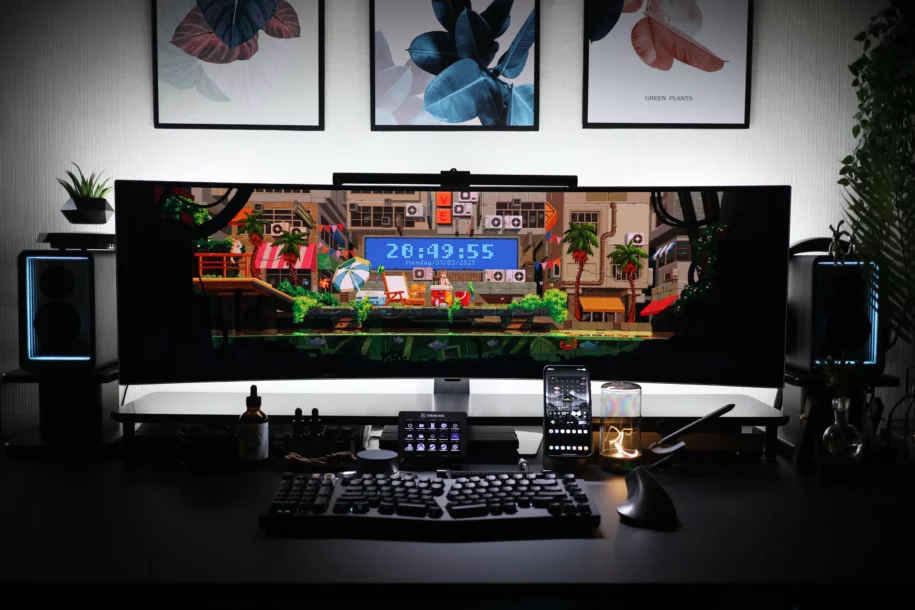
Create an effective streaming setup without breaking the bank: tips, accessories, and practical ideas
Getting into streaming is exciting. But many people think you need to invest a fortune to have a good setup. Between microphones, cameras, lighting, and accessories, the bill quickly adds up. This is often a deterrent for beginners, students, or those who just want to try it out without buying everything. Fortunately, it’s entirely possible to create an effective, aesthetically pleasing, and functional streaming setup without breaking the bank.
A well-designed, budget-friendly streaming setup can rival some high-end equipment if it’s properly optimized. The key is knowing where to invest wisely and which accessories to prioritize.
This article will help you make the right choices without breaking the bank. You’ll discover practical solutions, clever ideas, and tried-and-tested, affordable products. Whether you watch streamers on Twitch, YouTube, or elsewhere, this guide is here to walk you through it every step of the way.
Summary
- Why think about your setup
- The essentials for getting started
- Affordable microphones and sound systems
- Light without breaking the bank
- Screens, cameras and stands
- Berclet manages everything easily
- Comfort and optimized office
- Decorating on a budget
Why planning your setup in advance is essential
When starting out in streaming, there’s often a strong urge to jump right in, sometimes using whatever equipment is available. But planning your setup beforehand helps avoid unnecessary purchases and disappointments.
A budget-friendly streaming setup isn’t just about money. It’s primarily about finding a good fit between your space, your equipment, and your content style. You don’t need the same gear as a pro streamer to deliver quality picture and sound. But you do need to know what’s truly important for your needs from the start.
For example, if you play quiet games, you don’t have the same needs as an FPS streamer. If you make podcasts, the priority will be the microphone, not the camera. And if you stream from your dorm room, you need to think compact, practical, discreet… but also stylish. Thinking about your setup also means organizing your desk, choosing your camera position, and considering natural light.
A well-thought-out setup will be more enjoyable for you… and more enjoyable for your followers to watch. And most importantly, it will save you from having to buy or rearrange all your equipment in two weeks. A good, affordable streaming setup is one that meets your needs, respects your space, and fits within your budget.
Try Berclet now!
Berclet, your all-in-one audio solution
The essentials for getting started with your budget streaming setup
When you’re starting out, it’s easy to feel overwhelmed by the sheer number of accessories available. However, you don’t need everything at once to start streaming effectively. The goal isn’t to buy as much as possible, but to focus on what’s truly essential.
Sound is often the most overlooked element at first, yet it’s crucial. Clear, stable sound immediately conveys a sense of professionalism, even with a mediocre webcam. That’s why investing in an affordable but reliable microphone is a very wise choice.
Next, consider lighting. Poorly placed or insufficient light can ruin your image quality, even with a good camera. You don’t need professional lighting at first: a properly positioned, adjustable white light will make a difference.
Finally, comfort is an often overlooked point. If you’re streaming for several hours, you need to be properly set up, with a stable chair, a tidy desk, and good posture. This isn’t a luxury: it’s what allows you to keep going and look comfortable on camera.
Affordable microphones and audio equipment: the best options for beginners
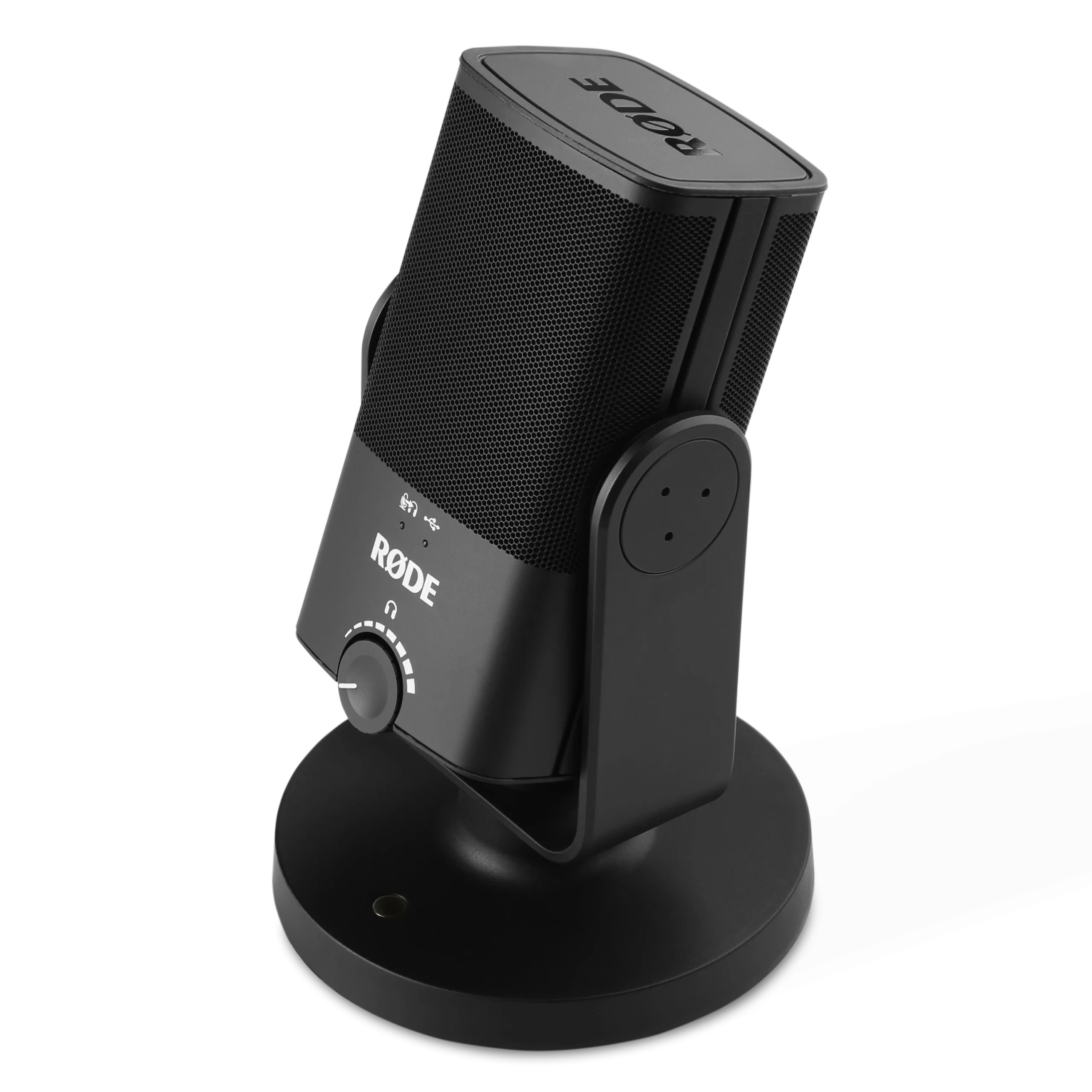
Rode NT-USB Mini
+ Clear professional sound
+ Compact design
+ Easy to install
– Few built-in settings
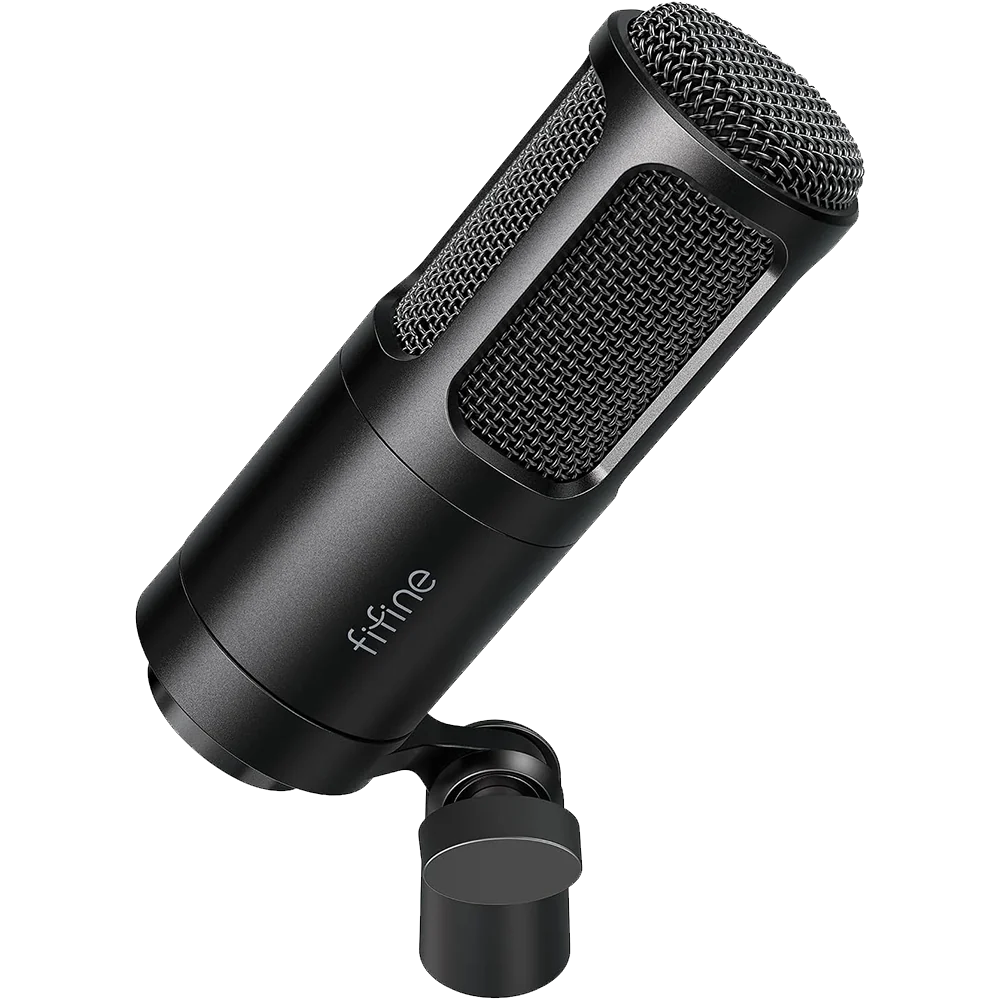
Fifine K669
+ Low price
+ Good quality for beginners
+ Simple to plug in
– Sometimes metallic sound
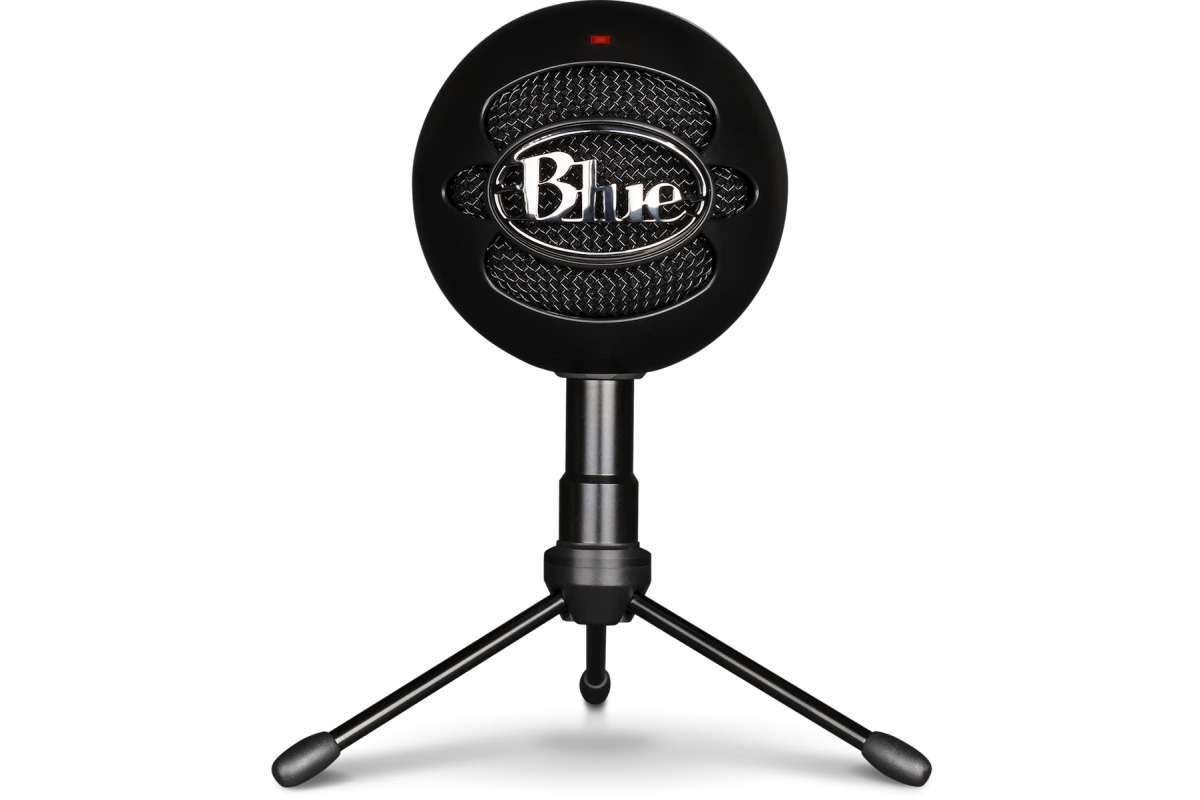
Blue Snowball iCE
+ Correct sound for voice
+ Very simple to use
+ Cool retro design
– No gain control / headphones
In a live stream, sound is more important than image. A viewer might tolerate a mediocre camera, but not distorted or echoey sound. Fortunately, there are now very affordable microphones available, even for those on a tight budget.
If you want to keep things simple, a USB microphone is the best solution to start with. They’re easy to plug in, compatible with most software, and offer good audio quality. Among the affordable and effective models, there’s the Rode NT-USB Mini, the Fifine K669 or even the Blue Snowball iCE. These are reliable choices in the category of cheap streaming setups.
If you want to go a little further, you could also consider an XLR microphone with a small audio interface. This requires a bit more setup, but you gain in quality and expandability. Interfaces like the Behringer UMC22 or the Scarlett Solo are very good for starting out without spending too much.
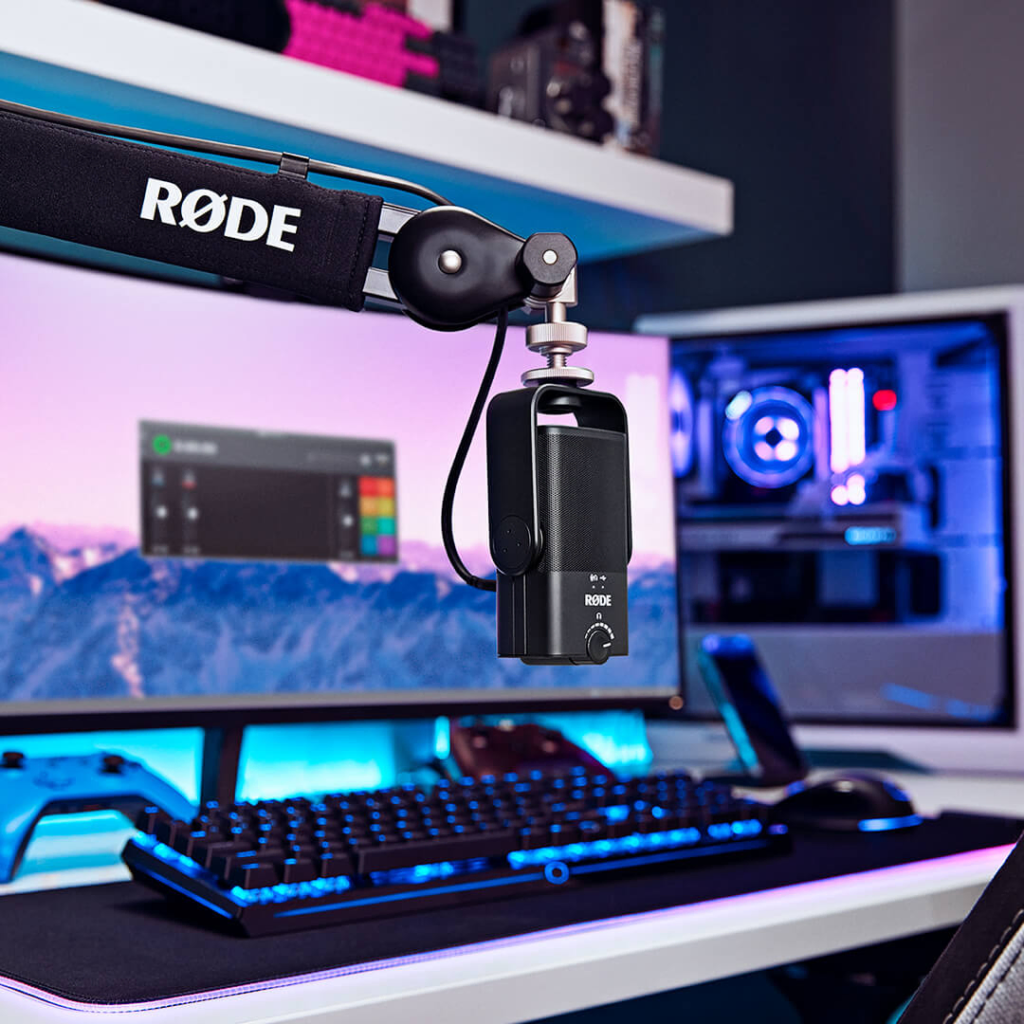
You can then complete the setup with an articulated microphone arm and a pop filter for a cleaner sound to the ear.
Don’t forget about your environment either. Even with a good microphone, a room with excessive echo or constant background noise will affect clarity. Consider adding a rug, some curtains, or simple acoustic foam. You can also stream with closed-back headphones to avoid feedback.
The goal isn’t to have a studio, but to get a clear, stable, and pleasant sound without breaking the bank. And in a budget streaming setup, that’s often what makes all the difference from the very first minutes.
Lighting without breaking the bank: Illuminating your streaming setup cheaply and efficiently
Good lighting can transform an average stream into a much more professional one, even with just a webcam. Many beginners forget or neglect this, thinking that only the camera matters. But in reality, it’s the lighting that makes the image, much more so than the sensor itself. Good lighting can transform an average stream into a professional one.
You don’t need to invest in a €200 key light right away. There are inexpensive alternatives, such as LED desk lamps, USB ring lights, or even entry-level softboxes. The important thing is to have a soft light source that’s well-positioned towards your face. Avoid light directly above or behind you, which creates unpleasant shadows.
If you want a slightly more advanced but still affordable solution, the Key Light Air d’Elgato or the Neewer LED Panels are excellent compromises. They strengthen your visual identity and make your content more visually appealing.
Screens, cameras and mounts: optimizing the image in a budget streaming setup
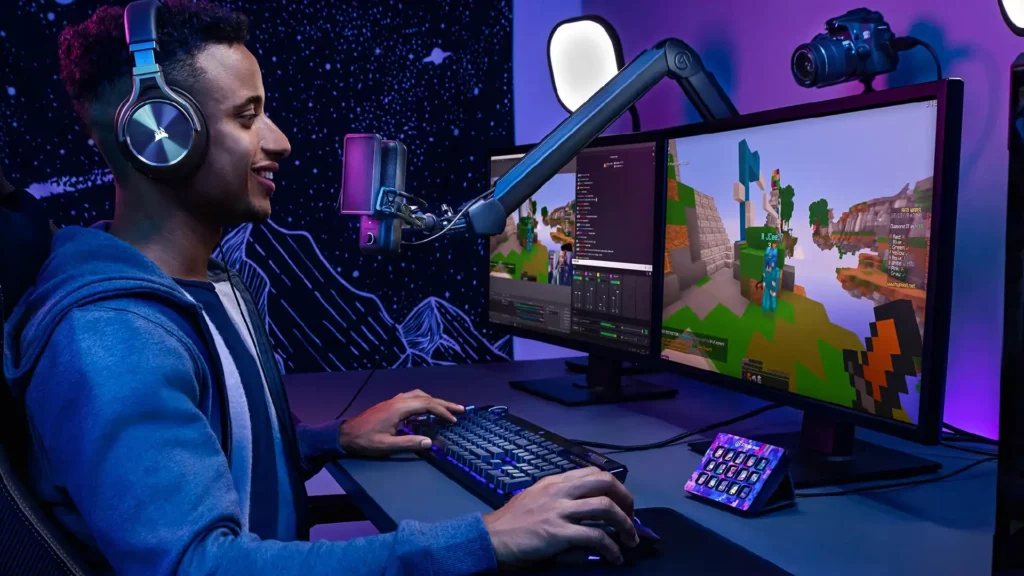
When we think of streaming, we often picture a high-quality webcam, multiple screens, and a state-of-the-art articulated arm. But again, it’s entirely possible to get a good image, even with basic equipment. The key is knowing how to use what you have and positioning it correctly.
Let’s start with the webcam. Many creators begin with a Logitech C920, which remains a reliable choice. It offers a sharp image, good light management, and good value for money.
If your budget is even tighter, a used StreamCam, or even your smartphone camera, might suffice. What matters is image stability and a good shooting angle. Avoid shots that are too low or poorly framed: the result will always be less professional, even with a high-end camera.
You don’t necessarily need two monitors right from the start. But if you can add a second one, even a used one, you’ll gain a lot in comfort. You can display your chat, alerts, or your streaming software on it. If you have limited space, an adjustable dual-monitor stand will free up room while improving organization.
Finally, supports and mounts play a crucial role. A microphone arm, a camera arm, or cable ties improve both the comfort, visual cleanliness, and modularity of your setup.
Even in a cheap streaming setup, these small elements make all the difference on a daily basis.
Berclet manages your sound easily in an inexpensive streaming setup
When you start streaming, you often juggle several sound sources: game, microphone, music, alerts, browser, etc. But Windows doesn’t always allow you to manage this easily, especially when you want to save time during live streams.
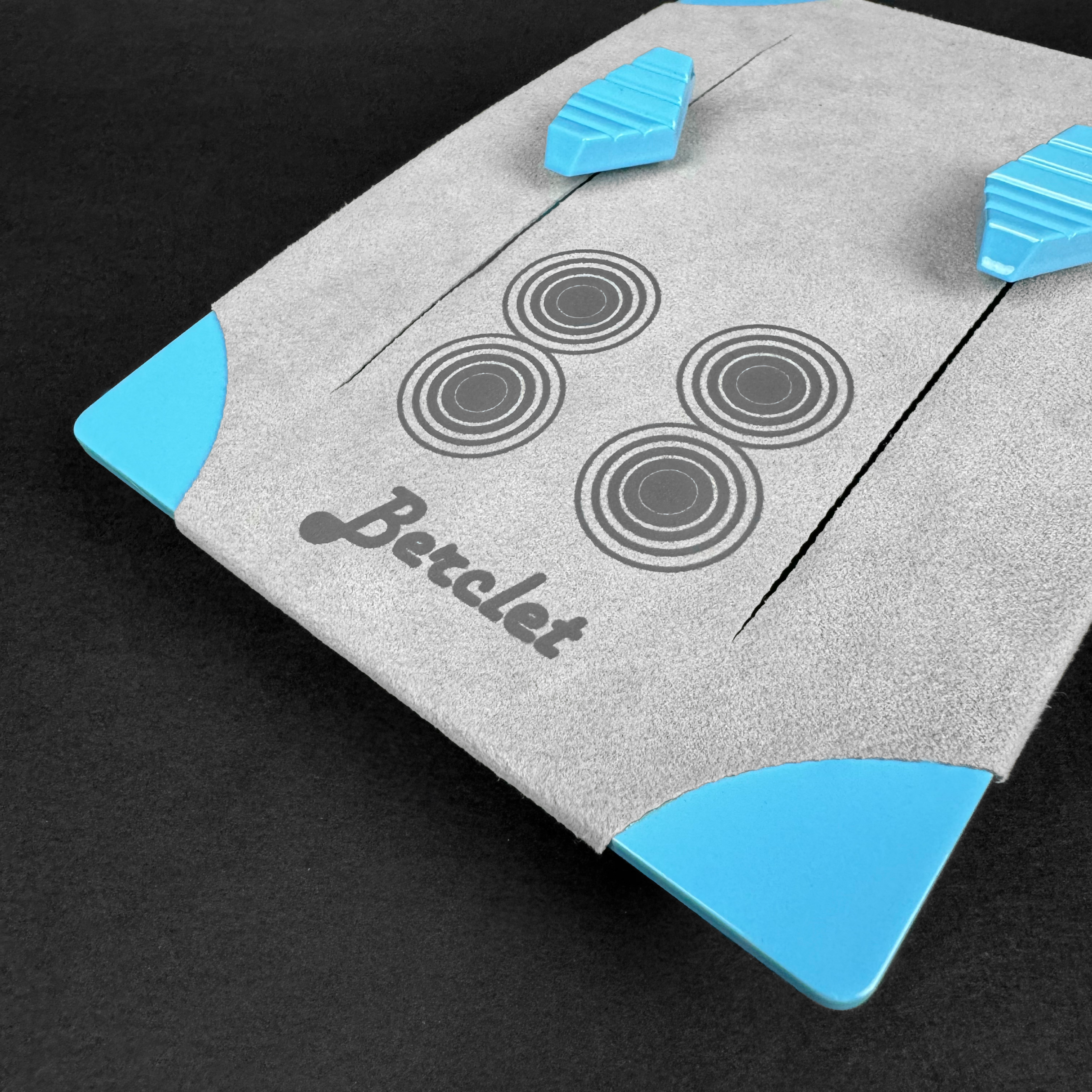
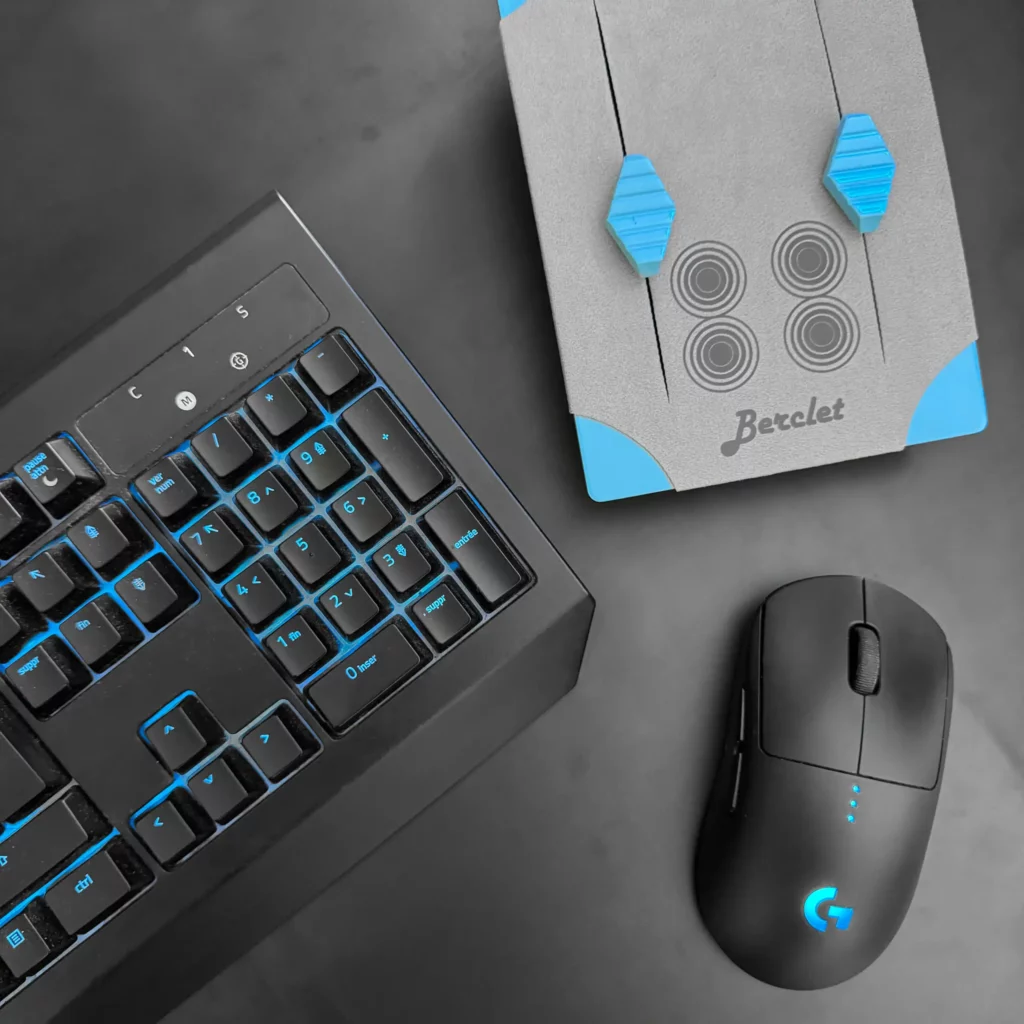
This is where Berclet becomes a valuable ally, especially in a budget streaming setup. Berclet is an application-based audio mixer. In practical terms, it allows you to adjust the volume of each application independently, with a simple physical interface.
For example, you can lower the volume of Discord without touching Spotify or OBS, with a single tap. All of this is done without needing to open any menus or go to the desktop. But what makes Berclet unique is its motorized slider system. They remember your settings and automatically adapt to the active application. It’s intuitive, fast, and prevents you from losing track of your stream.
Comfort and optimized workspace: settling into a budget-friendly streaming setup for the long term
You can have the best microphone and the most beautiful lighting, but if you’re not properly set up, you’ll quickly feel it. Comfort is an element often overlooked, especially when starting out with a cheap streaming setup.
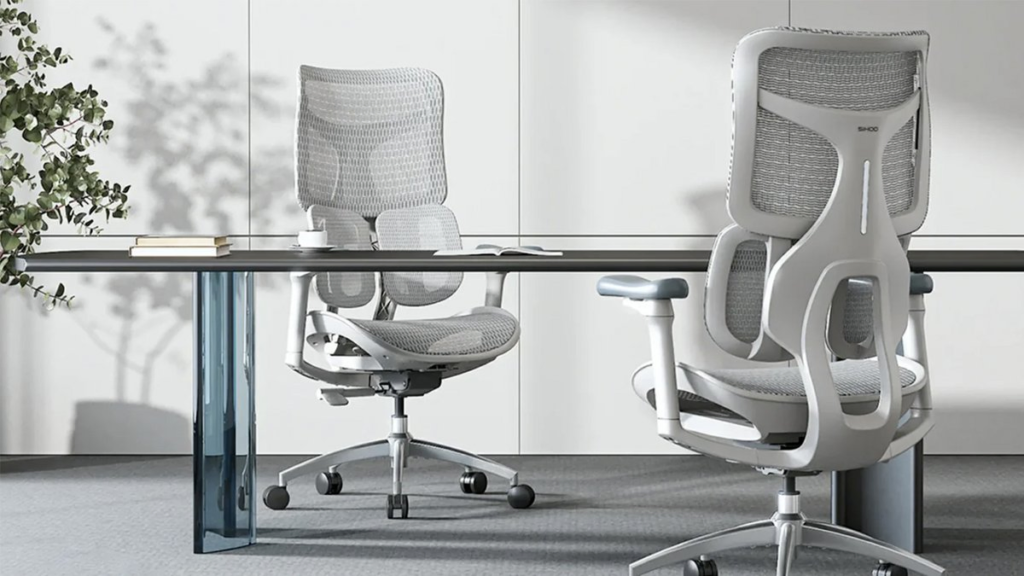
And yet, it has a direct impact on your posture, your energy… and even your productivity. Let’s start with the chair. You don’t need a €500 gaming chair, but you should avoid kitchen chairs that wreck your back.
I recommend the SIHOO brand, with a high back, good lumbar support, and, if possible, adjustable armrests. You can find them at reasonable prices or secondhand, or you can find ergonomic chairs in stores.
Your desk also needs to be suitable. You should be able to place your monitor, keyboard, mouse, and microphone comfortably. Consider the height of your work surface as well: it should allow you to keep your forearms at a right angle. If you don’t have much space, opt for a compact but deep desk with storage underneath or on the sides.
The decor: create a unique atmosphere with minimal resources
A good setup isn’t just about sound or picture. It should also reflect your personality, your world, and make your space pleasant to live in and to look at. Decor, often overlooked at first, is nevertheless one of the most powerful elements for creating an atmosphere that sets you apart.
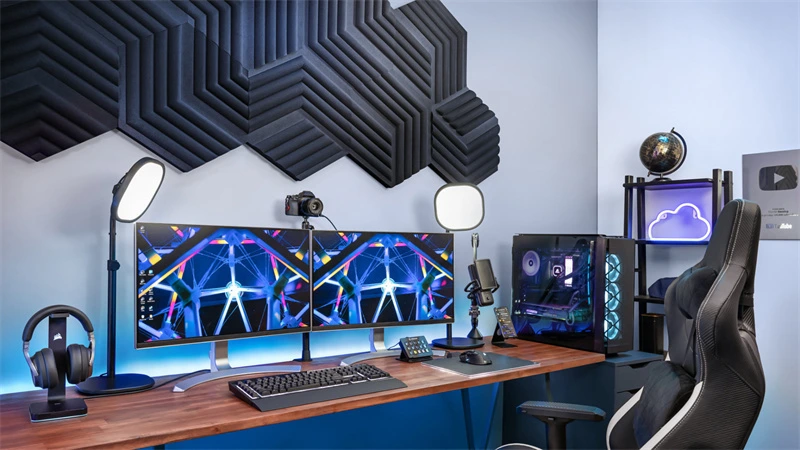
In a budget streaming setup, the decor needs to be clever, modular, and above all, adapted to your space. You don’t need a full LED wall or a cinema set to create an effective atmosphere.
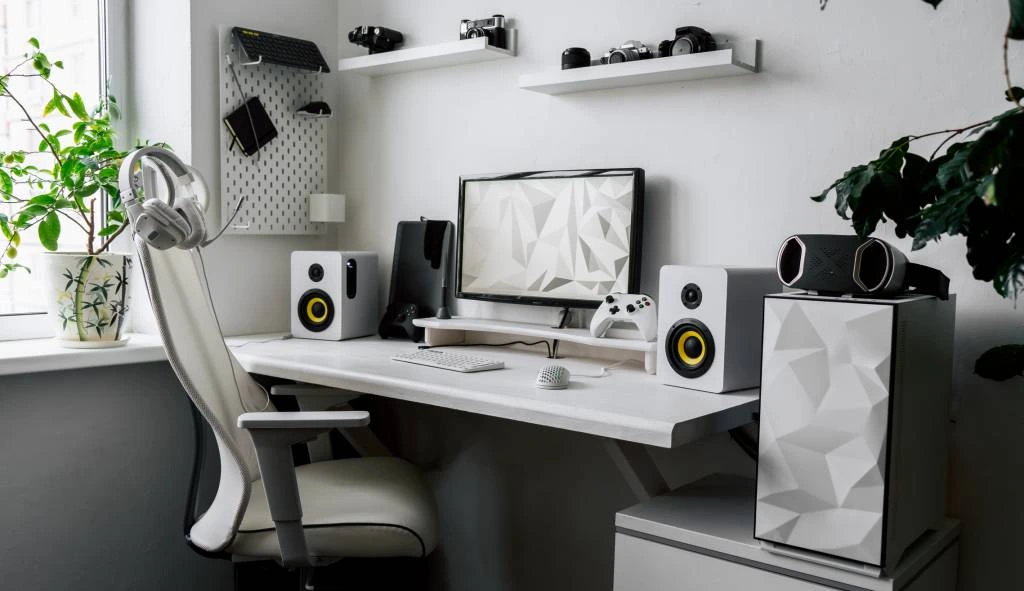
Start with wall decorations. A few posters, frames, or floating shelves will easily decorate your background. You can display objects that reflect your personality: figurines, quotes, geeky or artistic references. The idea isn’t to fill the visual space, but to add your personal touch. And why not add a plant or two? A little greenery adds charm, breaks up the monotony, and makes the whole space more inviting.
If your wall is plain or unattractive, practical solutions exist: a colored curtain, a fabric panel, or even a stretched fabric held up with clips can create a personalized backdrop in minutes. You can also opt for colored acoustic panels, which provide both texture and sound insulation.
Conclusion: a well-thought-out setup, without breaking the bank.
Creating a cheap streaming setup is first and foremost a matter of common sense and smart choices. You don’t need the most expensive equipment to offer something clean, functional and enjoyable to watch.
What you need is clear sound, well-placed lighting, a comfortable space, and an environment that reflects your personality. With the right tools like Berclet for sound, a well-framed webcam, a few LEDs, and some personalized decor, you can create a setup that’s uniquely yours without breaking the bank.
What matters is not having everything from the start. It’s building your setup step by step, according to your needs, your space… and your style.
Are you ready? All you have to do is turn on your camera, press “Start live”… and have fun.
Keep your focus on your part, Berclet will take care of the sound.
Berclet gives you complete control over the volume of your applications, without leaving your game.

Leave a Reply