

How to avoid audio latency when recording or live streaming
Audio latency is a common challenge for streamers, musicians, and content creators using external software or equipment. High latency can disrupt the user experience, affect audio-video synchronization, and make creation less smooth. This article offers practical tips to reduce latency and improve the quality of your live stream.
What is audio latency?
Audio latency is the delay between the production of a sound (for example, when a musician plays or a streamer speaks) and its reception by the listener. This delay can be caused by signal processing, software, audio interfaces, or the hardware used.
Why is audio latency a problem?
High audio latency can cause problems such as:
- A lag between sound and image during live streaming.
- This poses difficulties for musicians recording in real time, as they may hear a slight delay in their headphones.
- A bad experience for viewers or listeners, who may perceive an annoying lag in the audio stream.
Summary
- Audio interface
- Audio buffer
- Optimized software and plugins
- Berclet audio mixer
- Computer settings
- Direct monitoring
- Quality material
How to avoid audio latency with practical tips
1. Use a quality audio interface
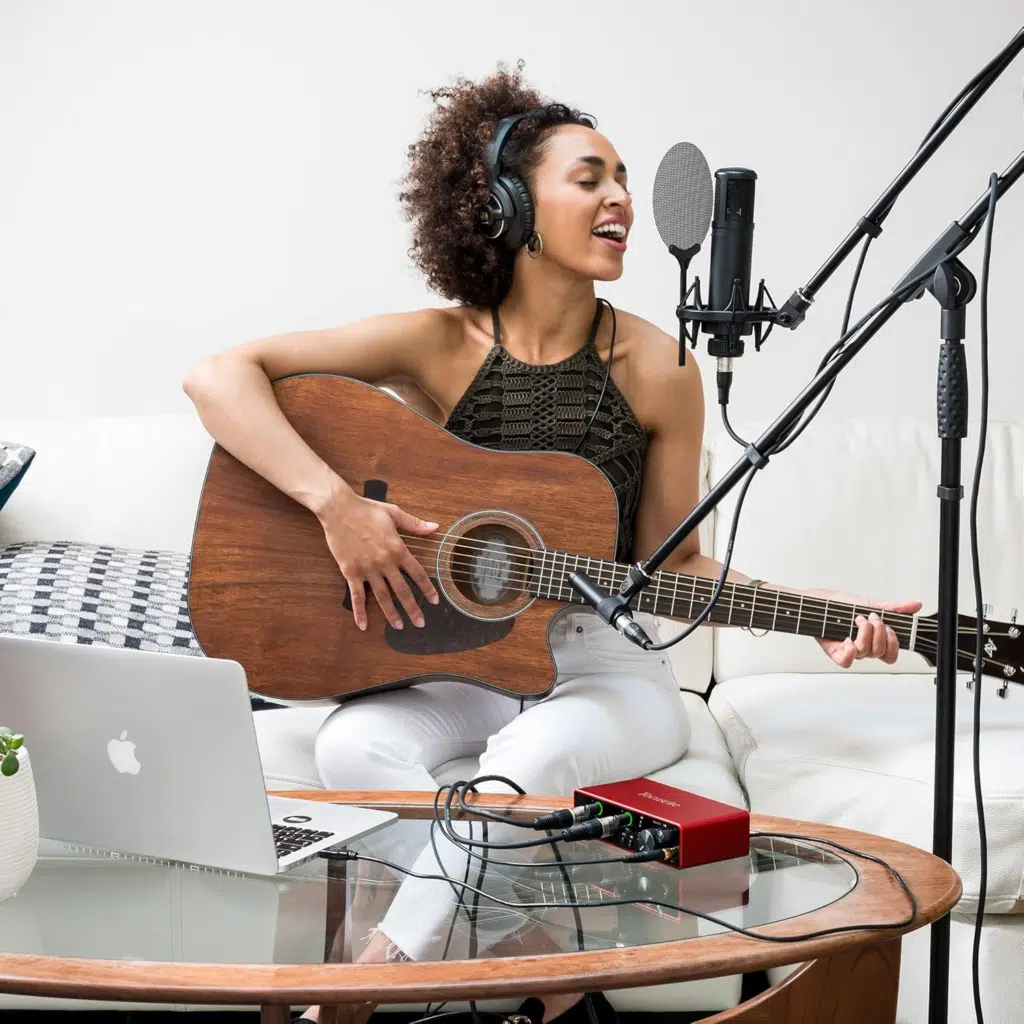
One of the first steps to reducing audio latency is to use a high-quality audio interface. External sound cards and audio interfaces are designed to minimize latency compared to computers’ integrated sound cards. These interfaces offer higher-performance digital-to-analog converters (DACs) and more efficient signal processing.
Concrete example:
The Focusrite Scarlett 2i2 and PreSonus AudioBox USB 96 interfaces are popular among musicians and streamers for their low latency and sound quality. These interfaces offer optimal performance for real-time recording and streaming.
2. Optimize buffer settings
The audio buffer is the temporary memory where audio data is stored before being processed. A buffer that is too large can introduce latency, while a buffer that is too small can cause audio dropouts or glitches. It is important to find a balance between low latency and stable sound.
Practical advice:
- In OBS Studio or Streamlabs, adjust the buffer size in the audio settings to achieve a compromise between latency and stability.
- Use ASIO (Audio Stream Input/Output) drivers if you are on Windows, as they offer more efficient management of real-time audio streams.
Try Berclet now!
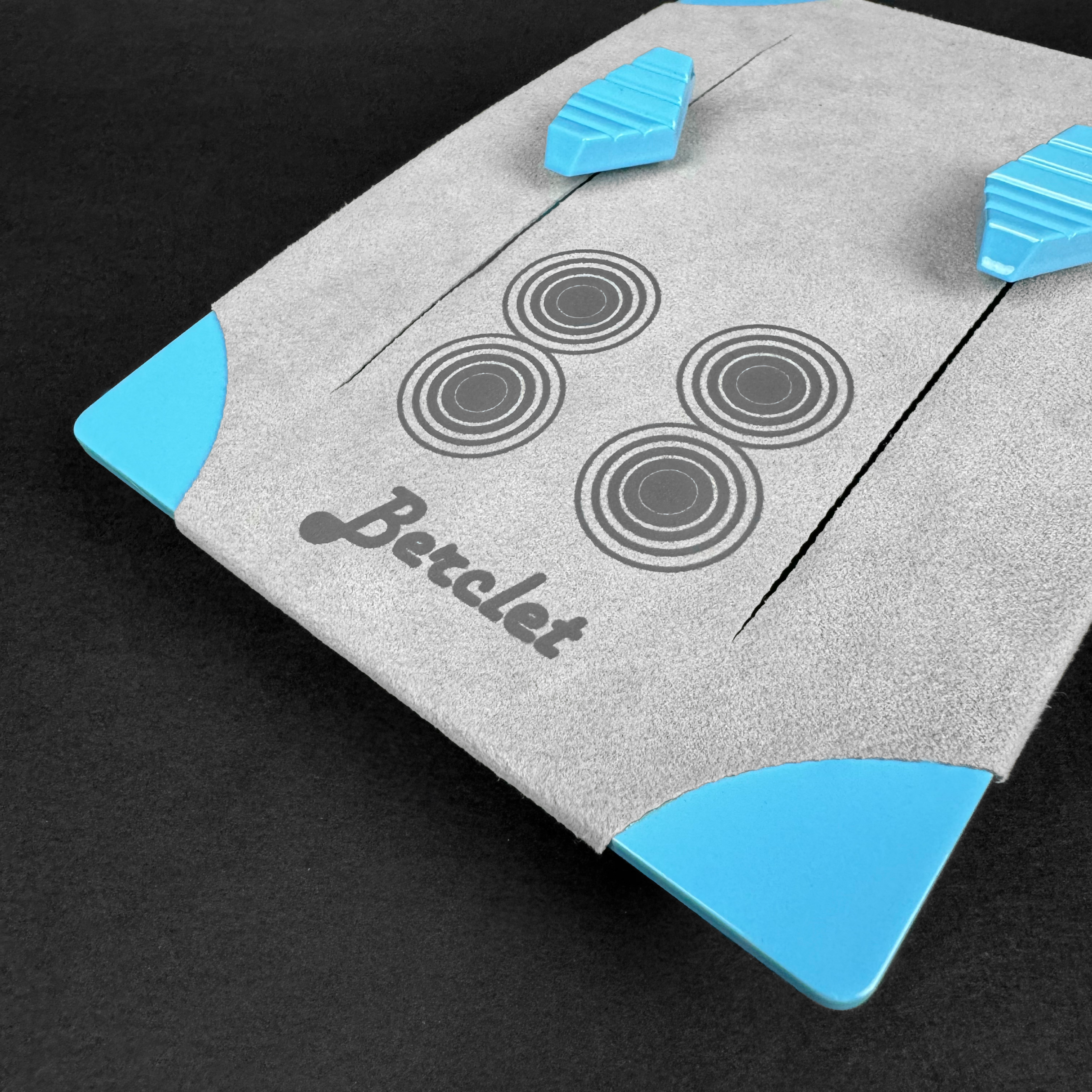
Berclet, your all-in-one audio solution
3. Use optimized software and plugins
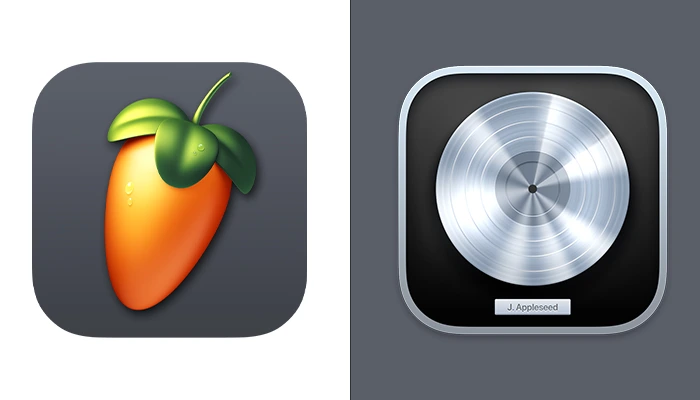
Some music streaming and production software is better optimized for handling audio latency. For example, Ableton Live, FL Studio, and Logic Pro X offer options to adjust latency to suit your specific needs. Using quality plugins can also reduce the load on your CPU and improve overall performance.
Concrete example:
- Ableton Live offers a “Low Latency Mode” option to reduce latency during recording.
- Use low-latency VST or AU audio plugins to avoid overloading your system.
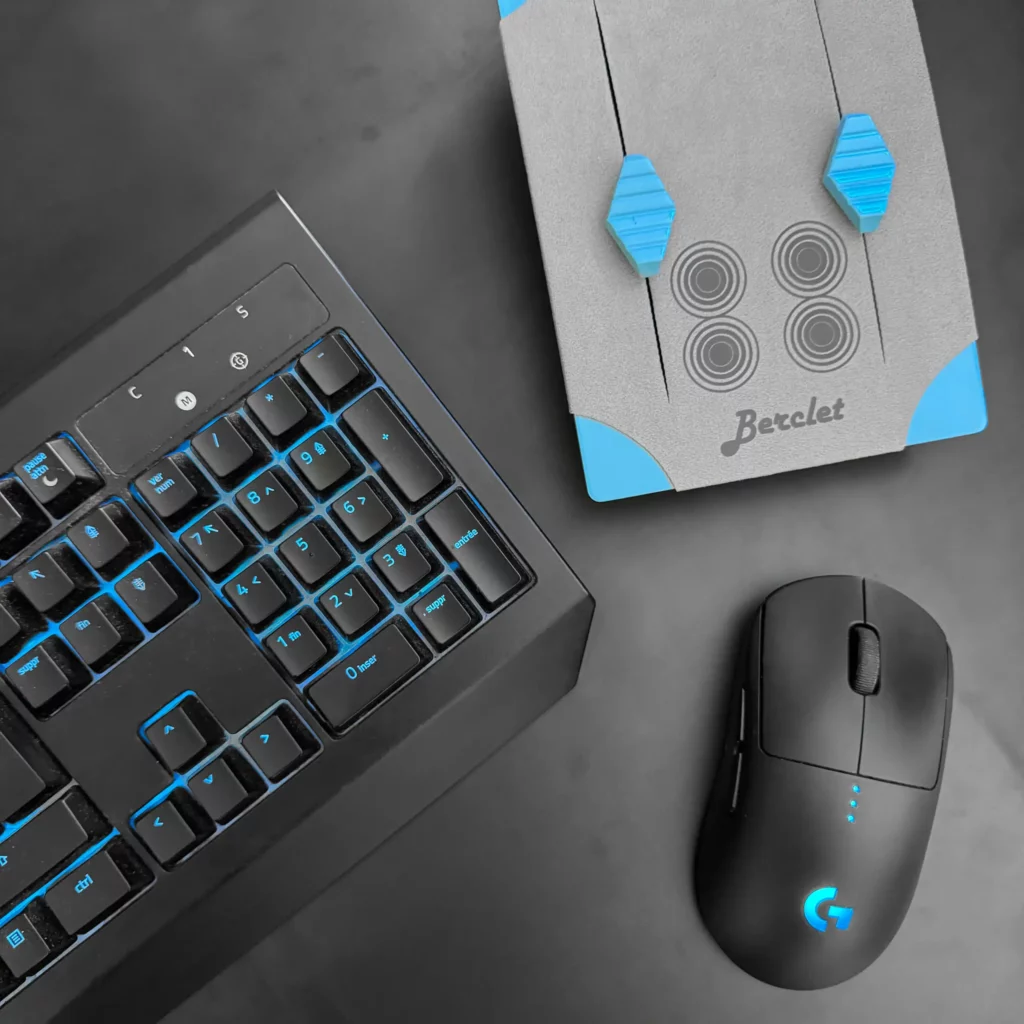
4. Use Berclet for smooth audio mixing
Berclet, an app-based audio mixer, allows you to manage multiple audio sources simultaneously in real time. Berclet optimizes the management of live audio streams, making it ideal for streamers and content creators.
Concrete example:
If you’re a streamer using software like OBS or Streamlabs, integrating Berclet into your audio stream lets you control multiple audio sources in real time with minimal latency. This ensures a smooth and synchronized audio experience for your viewers.
5. Adjust your computer settings
Your computer also plays a crucial role in managing audio latency. Here are some adjustments to consider:
- Disable background applications that consume CPU resources, such as browsers or file management software.
- Update your audio drivers and ensure your operating system is optimized for audio tasks.
- Increase the priority of the audio process in your system’s task manager to allocate more resources to your streaming or recording software.
6. Use direct monitoring
Direct monitoring allows you to hear the sound in real time without going through the software, eliminating latency. If your audio interface or mixer supports it, enable direct monitoring to hear your sound without delay.
Concrete example:
Audio interfaces like the Focusrite Scarlett 2i2 or the MOTU M2 offer direct monitoring options, allowing musicians and streamers to avoid latency by listening directly to their input signal.
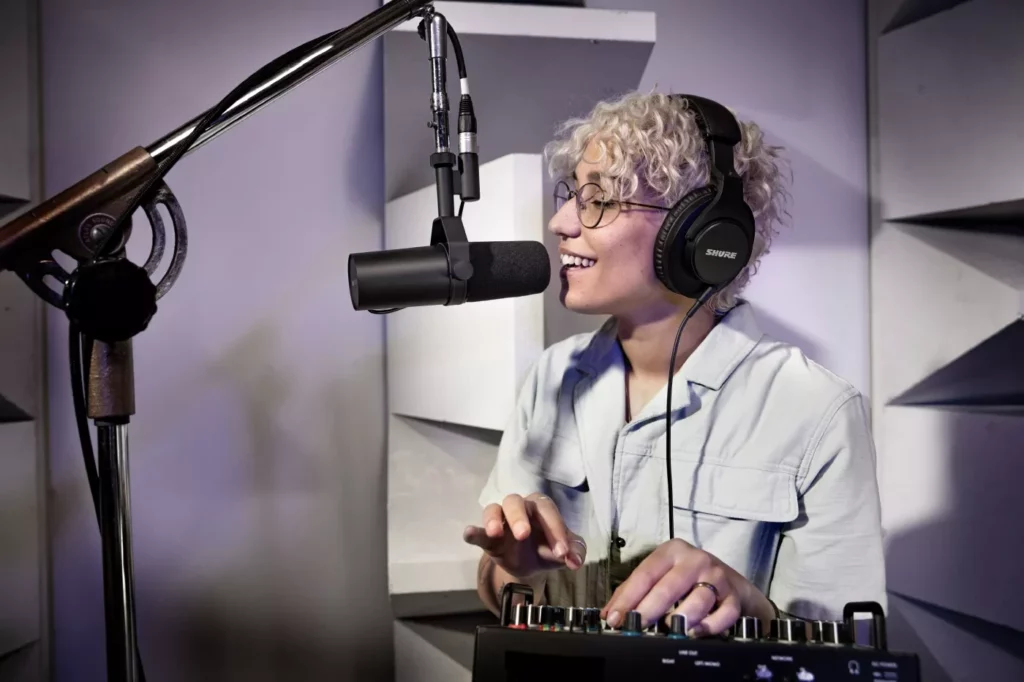
7. Choose quality and suitable equipment
Choosing the right equipment is crucial to avoid latency. A good microphone, quality headphones, and high-quality audio cables ensure better overall performance from your setup.
Concrete example:
A dynamic microphone, such as the Shure SM7B, or closed-back headphones, such as the Beyerdynamic DT 770 Pro, offer superior audio quality and reduce latency.
Reducing audio latency is essential for a smooth and professional streaming or recording experience. Use a high-quality audio interface, optimize buffer settings, and choose appropriate software. Adjust your computer settings as well to minimize latency and improve sound quality. Integrating Berclet into your setup will allow you to manage your audio streams smoothly, without compromising on quality.
Keep your focus on your part, Berclet will take care of the sound.
Berclet gives you complete control over the volume of your applications, without leaving your game.
