

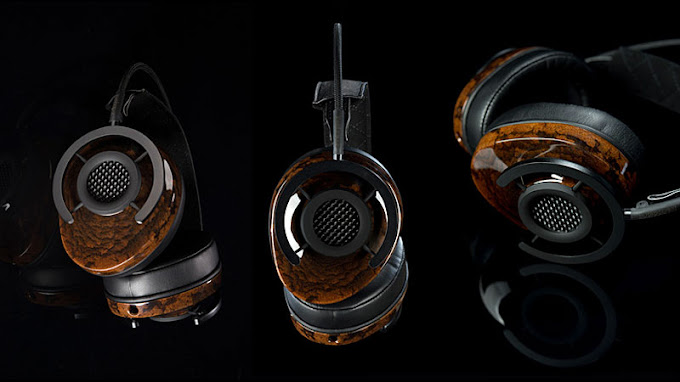
How to improve your daily audio experience
Sound is everywhere today: music, movies, podcasts, videos, and meetings punctuate our daily lives. Optimal sound quality significantly enhances the everyday audio experience, whether you’re a music lover, a movie buff, or working remotely. Here are some tips and tools to optimize your audio, whether at home, at work, or on the go.
Sommaire
1. Use quality headphones or earphones to enhance your experience
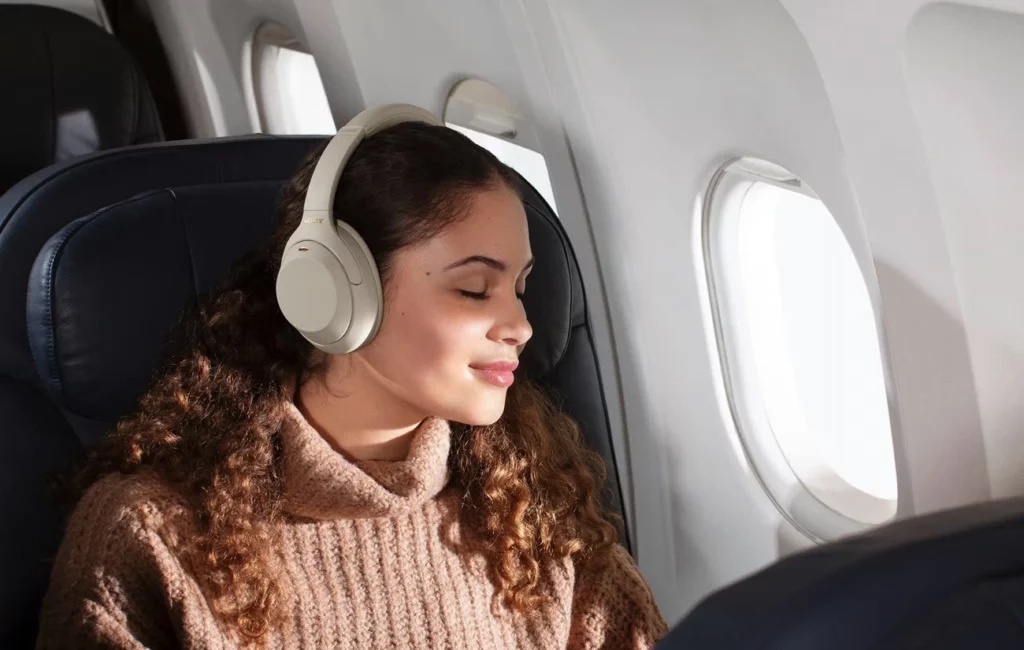
High-quality headphones and earphones enhance clarity and sound comfort. Choose models that effectively reduce ambient noise. They also offer rich, well-balanced sound for an optimal experience.
Sony WH-1000XM4 : These headphones are often recommended for their sound quality and active noise cancellation.
Casque Bose QuietComfort 45 : These headphones effectively reduce external noise. Ideal for listening to music or staying focused at work.
Try Berclet now!
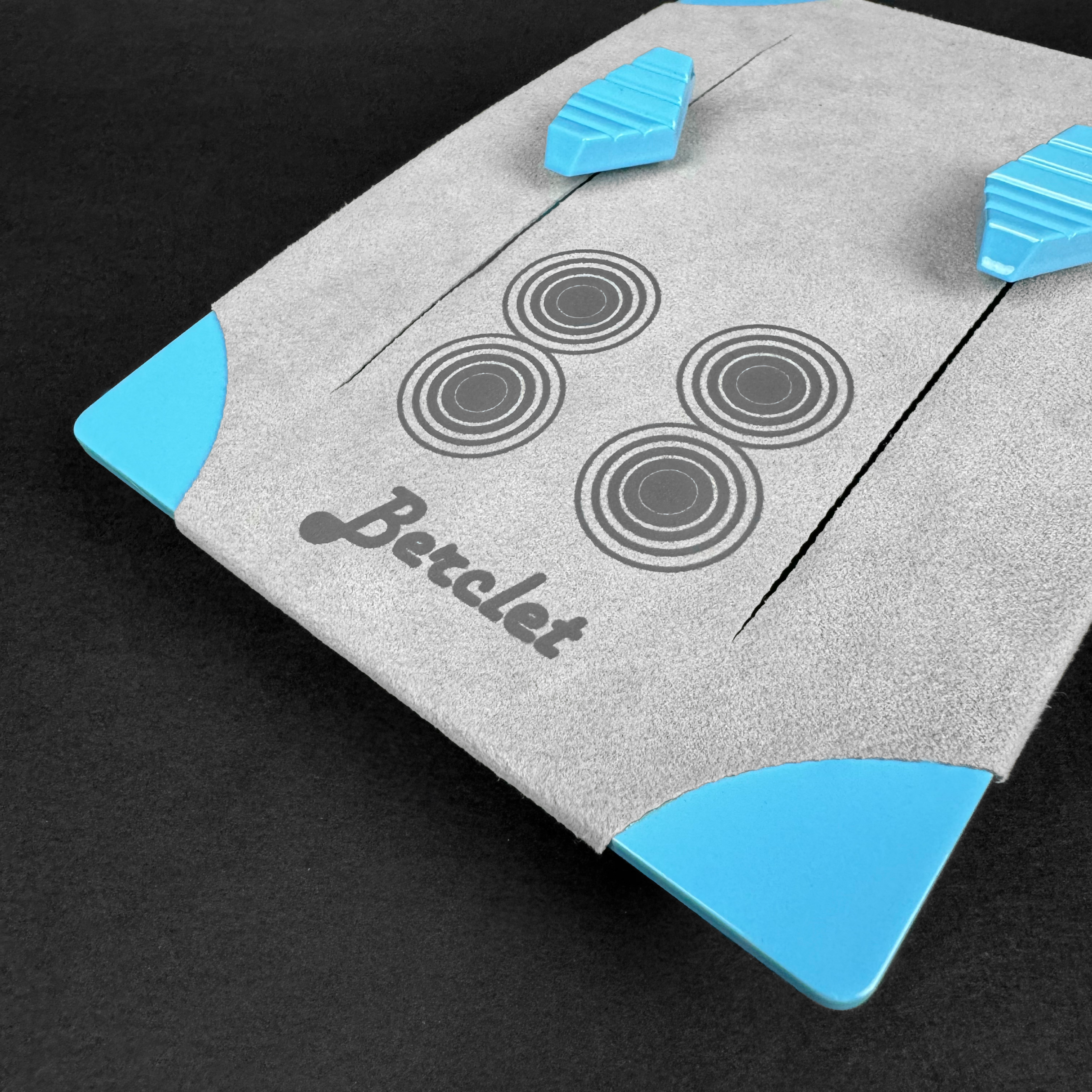
Berclet, your all-in-one audio solution
2. Manage your audio sources with an audio mixer
With remote work and multi-app streaming (Spotify, YouTube, Deezer), juggling different audio sources can be complicated. Audio mixers allow you to manage the volume of each application independently, which is particularly useful for avoiding interruptions or adjusting the volume as needed.
- Berclet Audio Mixer: This French-made product is a plug-and-play solution that lets you manage the volume of each application independently. No more pausing Spotify to watch a YouTube video or juggling your computer’s audio settings! Découvrez le mélangeur Berclet.
3. Invest in a quality speaker for your space
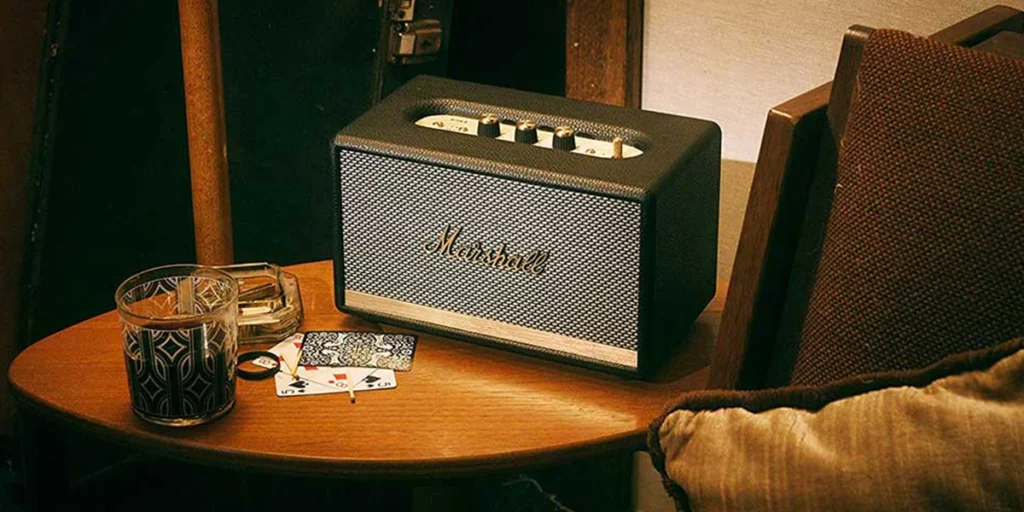
For those who prefer listening to music or watching movies at home, a good speaker can transform the entire audio experience. High-quality portable or stationary speakers deliver a more powerful and clearer sound.
Marshall Acton II : This compact yet powerful model offers exceptional sound with a vintage design.
Enceinte Sonos One : Known for its sound quality and smart features, it easily connects to your network and delivers powerful sound for its size.
4. Use apps to adjust audio settings
Apps can help you adjust the sound based on your environment, preferences, or even the type of content you’re listening to. Here are some of the best apps for customizing audio:
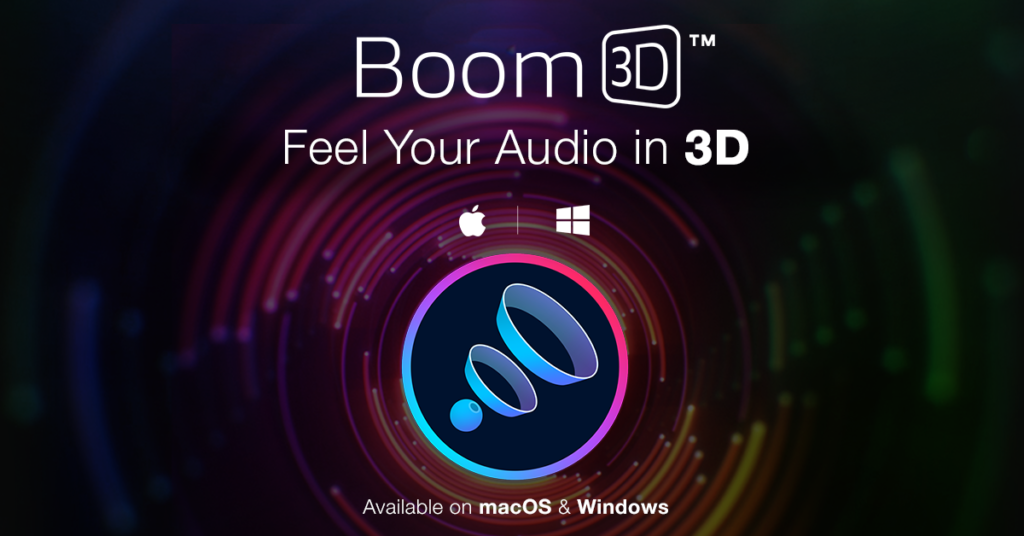
Boom 3D (Mac and Windows): Boom 3D is a tool that enhances bass, balances frequencies, and can transform your sound experience for immersive 3D sound.
Equalizer FX (Android): This app lets you adjust the sound frequencies on your phone for a more personalized sound. Available on the Google Play Store.
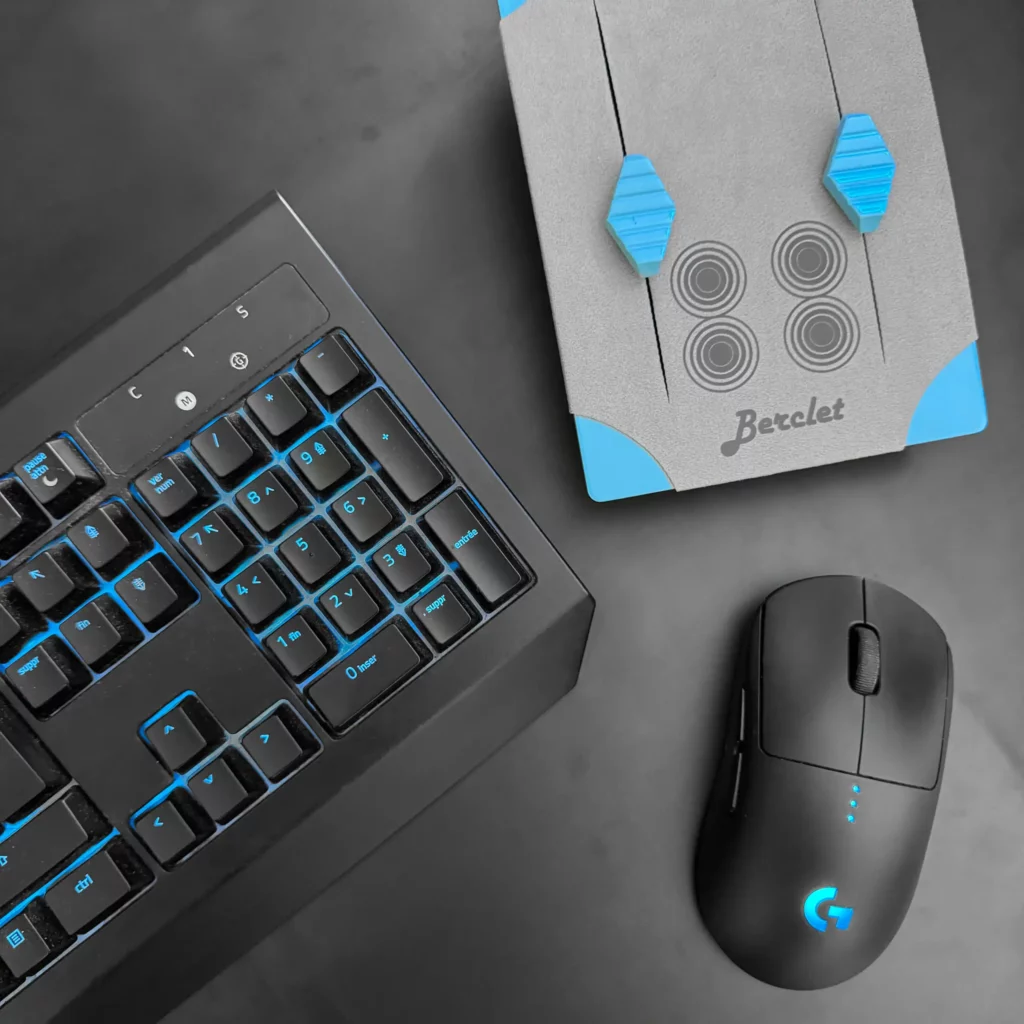
Keep your focus on your part, Berclet will take care of the sound.
Berclet gives you complete control over the volume of your applications, without leaving your game.
