

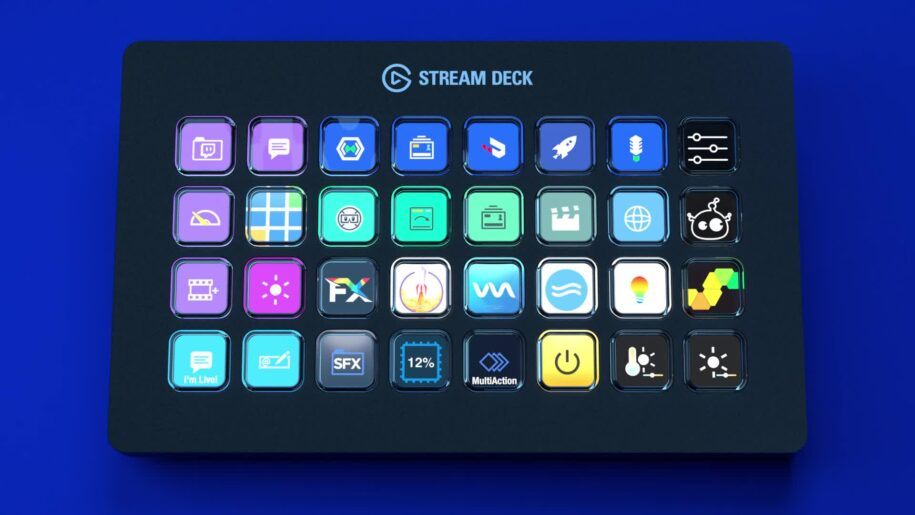
Alternatives to Elgato’s StreamDeck
Elgato’s StreamDeck is a fantastic tool for streamers and content creators, but it’s not the only option on the market. Whether you’re looking for a cheaper, more customizable, or simply different alternative, we’ve selected some alternatives to Elgato’s StreamDeck for you. Get ready to discover tools that could revolutionize your streaming experience!
Summary
1. Loupedeck Live: Versatility and professional quality
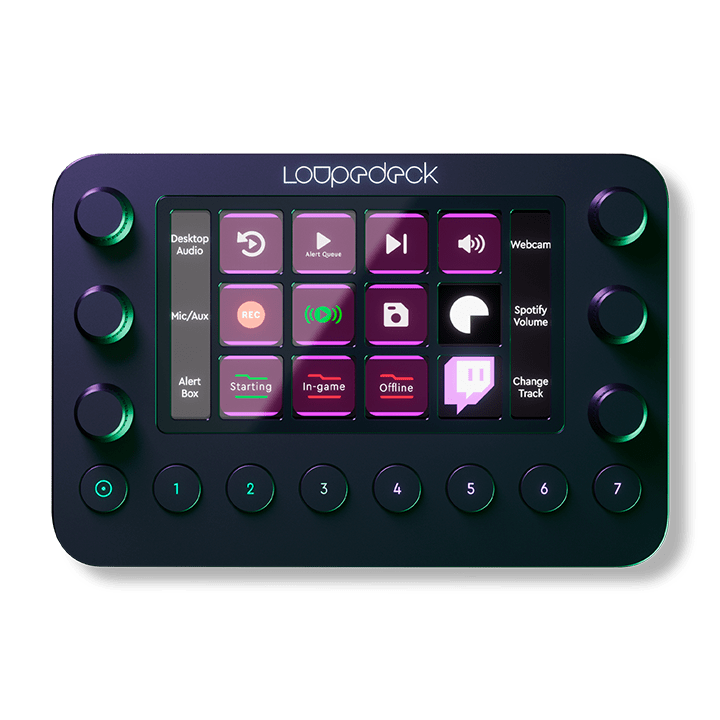
The Loupedeck Live is a premium alternative to the StreamDeck. Originally designed for creatives using software like Adobe Lightroom, the Loupedeck Live quickly established itself as a versatile tool for streamers. With its fully customizable buttons and touch-sensitive dials, it offers a smooth and intuitive user experience. You can program shortcuts for OBS, Twitch, and much more. While the price is high, the quality and features justify the investment.
Source : LoupeDeck
2. Touch Portal: The economical and flexible alternative to Elgato’s Streamdeck
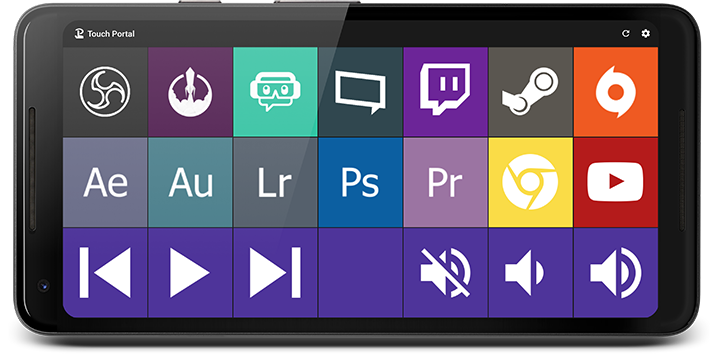
For those seeking a cost-effective solution, Touch Portal is an excellent option. This app transforms your smartphone or tablet into a control panel similar to StreamDeck. Compatible with Windows and Mac, Touch Portal offers complete customization with plugins for OBS, XSplit, and other streaming software. You can create custom buttons for all your actions, from scene management to sending chat messages—all without breaking the bank.
Source : Touch Portal
Try Berclet now!
Berclet, your all-in-one audio solution
3. Razer Stream Controller: Sleek design and advanced features
The Razer Stream Controller, designed in collaboration with Loupedeck, boasts a sleek design and advanced features. With 12 touch buttons and 6 rotary dials, it offers a user experience similar to the Loupedeck Live, but with Razer’s signature touch. Perfect for streamers seeking a powerful and visually appealing tool. Integrations with OBS, Streamlabs, and other streaming platforms are seamless and easy to set up.
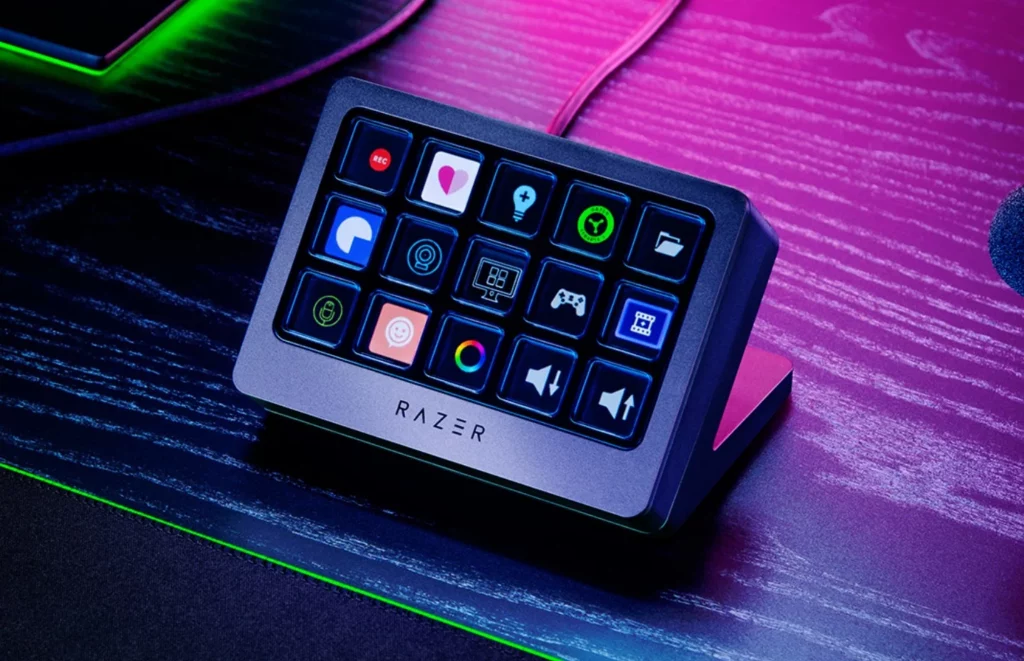
Source : Frandroid
4. Streamlabs Mobile: Simplicity and accessibility
For beginner streamers or those looking for a quick and easy solution, Streamlabs Mobile is an app worth considering. Available on iOS and Android, it transforms your mobile device into a streaming dashboard. While less customizable than Touch Portal, Streamlabs Mobile is incredibly user-friendly and perfect for streamers on the go or those who prefer a lightweight setup.
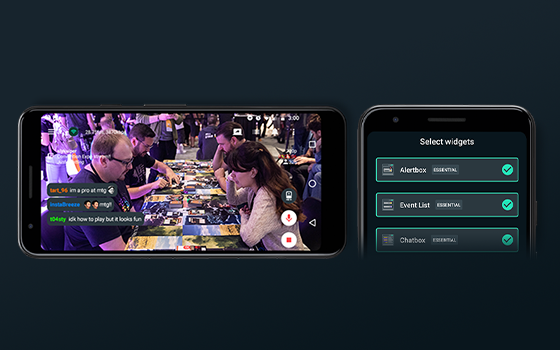
Source : StreamLabs
5. Deckboard: Customization at a low price
Deckboard is another mobile app that transforms your smartphone into a control panel. Compatible with Windows, Deckboard lets you create custom buttons to launch applications, control OBS, manage media, and much more. With a simple user interface and advanced customization options, Deckboard is a cost-effective and efficient alternative for those looking to enhance their streaming setup without breaking the bank.
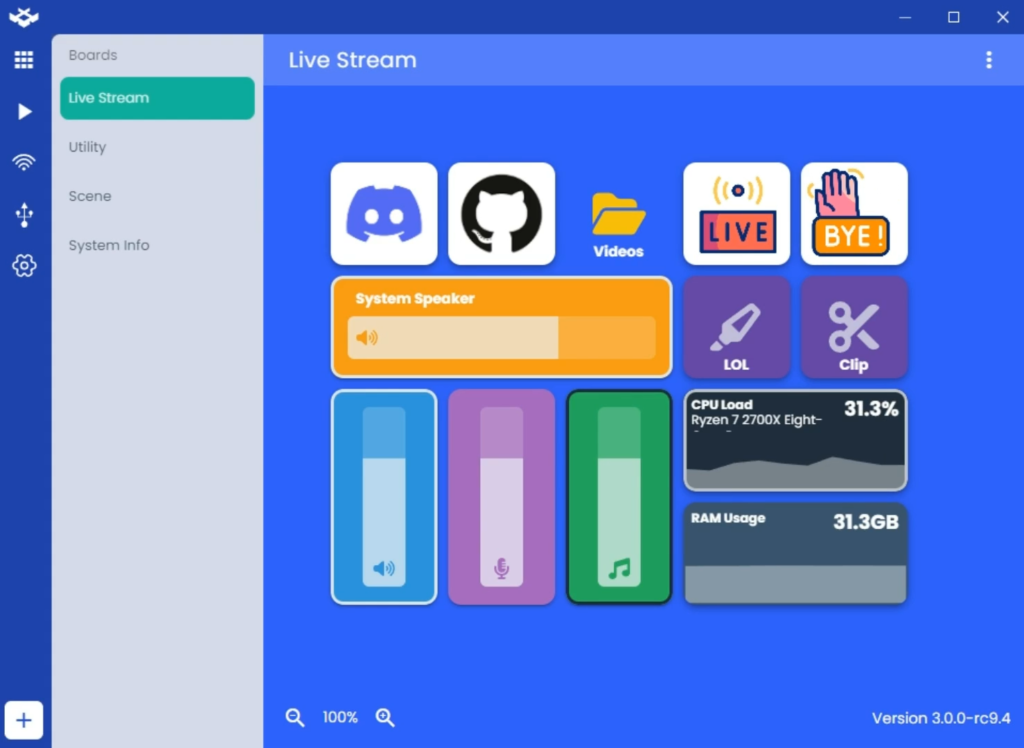
Source : Deckboard
Conclusion: Choose the alternative that suits you
Here are the alternatives to Elgato’s StreamDeck, each with its own advantages and disadvantages. Whether you’re looking for a professional solution like the Loupedeck Live or a more economical option like Touch Portal, there’s bound to be an alternative that meets your needs. Take the time to evaluate the features and prices to choose the tool that will help you optimize your streaming experience. After all, the goal is to make your setup as smooth and efficient as possible, so you can focus on what you do best: creating amazing content for your audience.
Keep your focus on your part, Berclet will take care of the sound.
Berclet gives you complete control over the volume of your applications, without leaving your game.
