

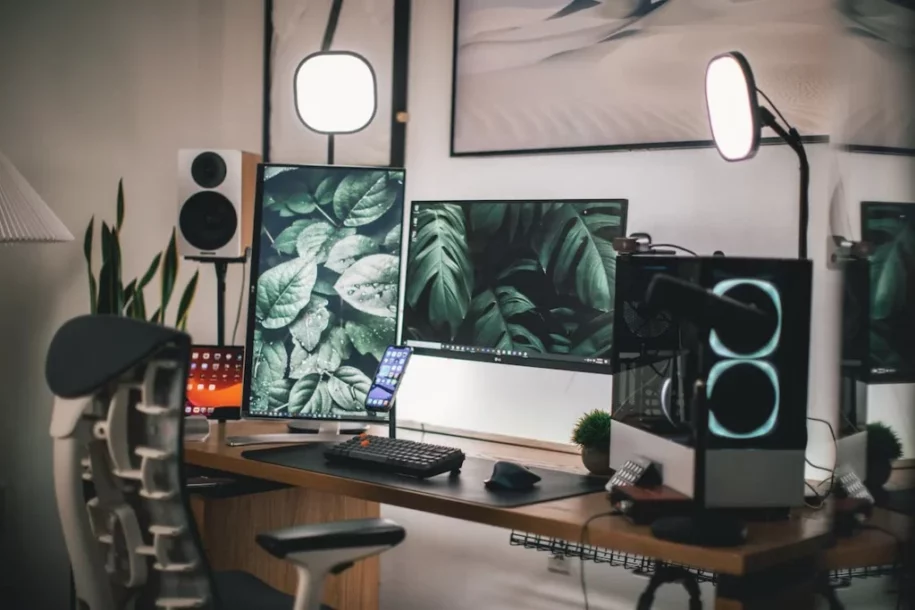
Streaming equipment for beginners
Do you dream of becoming a streamer? Whether it’s to share your gaming sessions, your musical talents, or simply chat with a community, streaming is an exciting adventure. But where do you start? Don’t panic! Here’s a complete guide to streaming equipment to get started without breaking the bank.
Summary
1. Computer: the basic streaming equipment for beginners
First and foremost, you need a computer capable of handling streaming. If you already have a gaming PC, you’re probably well-equipped. Just make sure your processor and graphics card are powerful enough to support streaming software like OBS or Streamlabs. For those on a budget, a gaming laptop can also do the job, as long as it has at least 16GB of RAM and a recent processor.
2. Webcam: Show off your best side
To interact with your audience, a quality webcam is essential. The Logitech C920 is a popular choice among beginner streamers thanks to its 1080p resolution and affordable price. If you really want to impress, the Logitech StreamCam offers even better quality with 1080p resolution at 60 fps. Don’t forget to adjust your room’s lighting for optimal results!
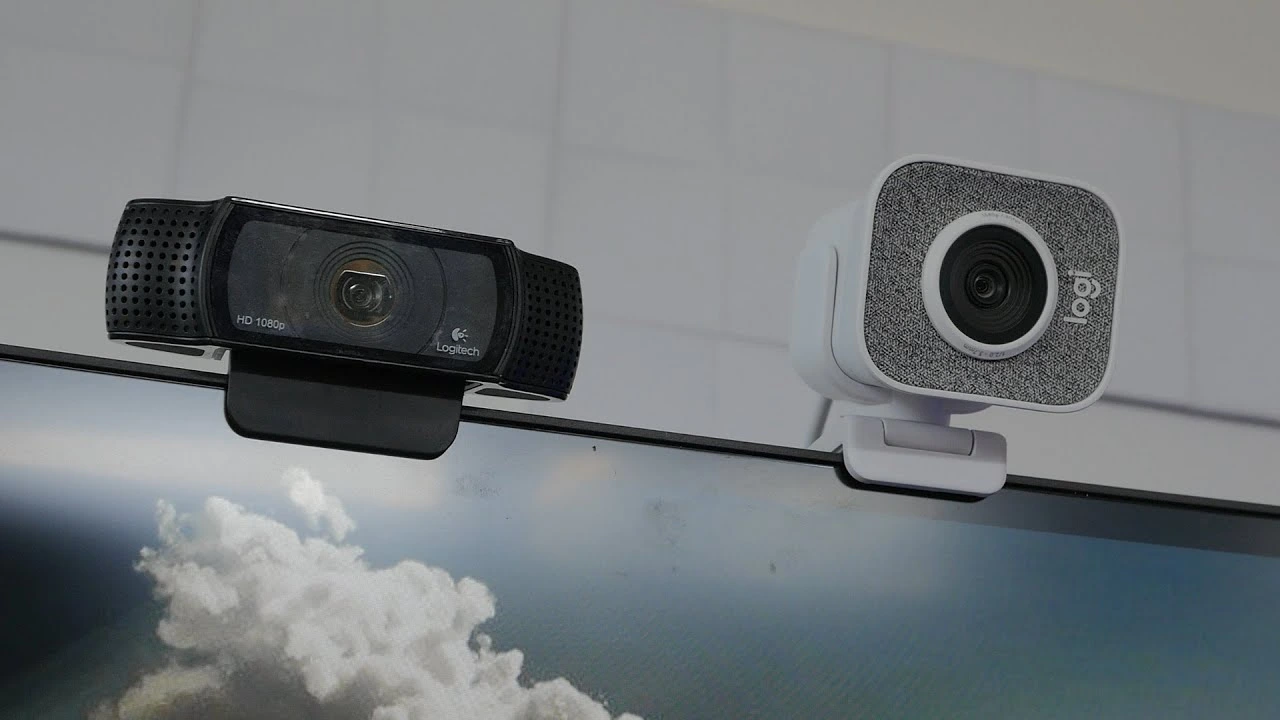
Source : Youtube
Try Berclet now!
Berclet, your all-in-one audio solution
3. Microphone: The most important streaming equipment for beginners
Nobody likes listening to a streamer with muddy sound. A good microphone is crucial. The Blue Yeti is often recommended for beginners thanks to its sound quality and ease of use. For those who prefer a more discreet microphone, the Rode NT-USB Mini is an excellent alternative. Consider also investing in a microphone boom arm and a pop filter for even cleaner sound.
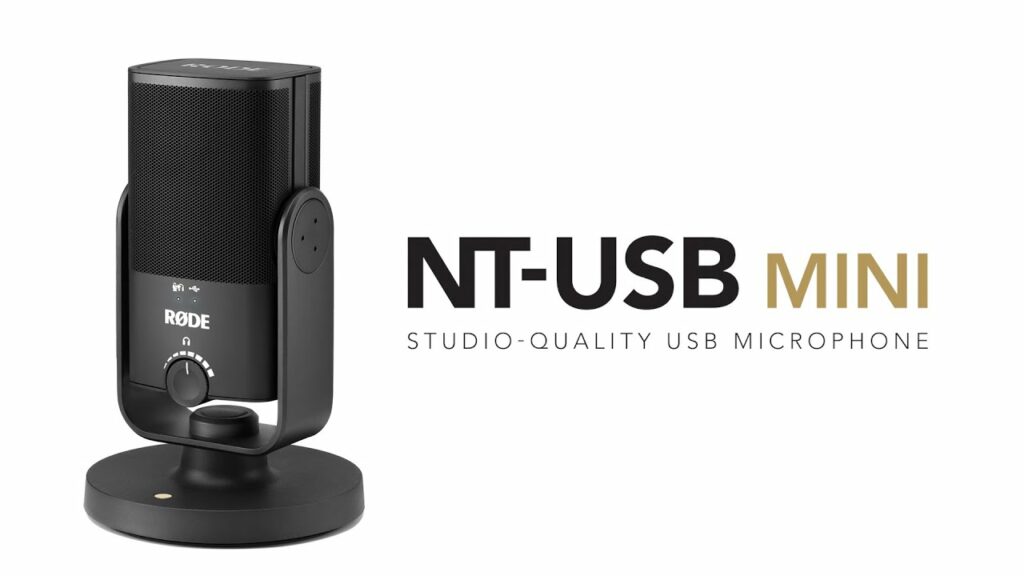
Source : Thomann
4. Lighting: Highlight your best features
Good lighting can transform your stream. Desk lamps or ring lights are perfect for illuminating your face and making your stream look more professional. The Elgato Key Light is an excellent choice with adjustable brightness and color temperature settings via an app. If you’re handy, softboxes or LED panels can also do the trick.
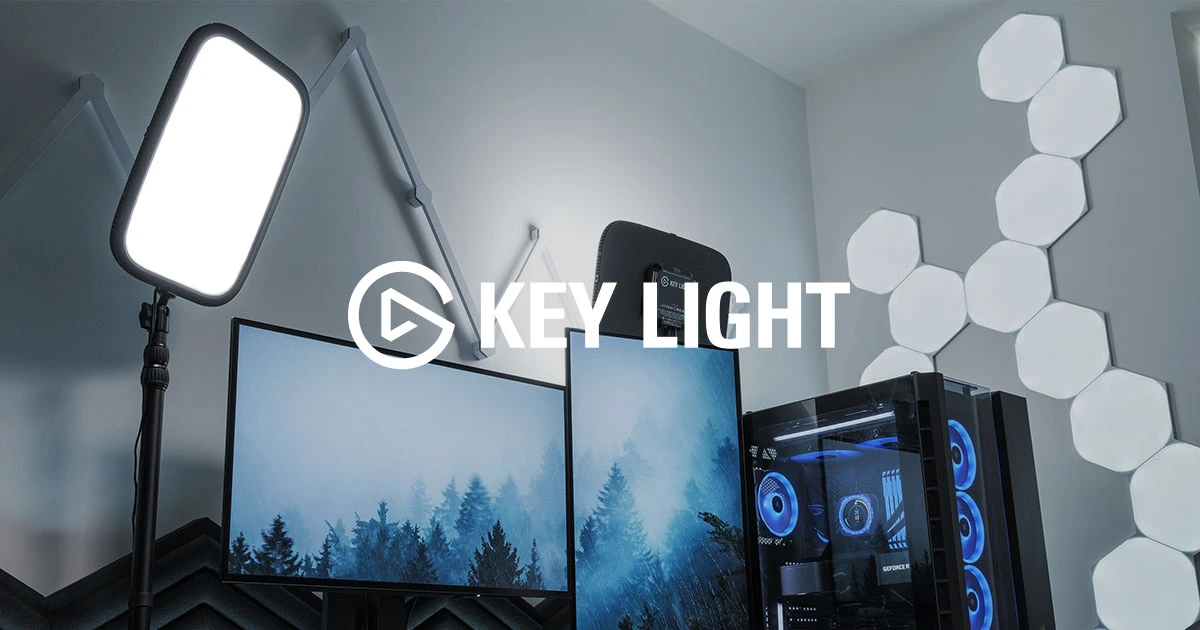
Source : Elgato
5. Capture Map: for console players
If you’re streaming from a console like the PS5 or Xbox Series X, a capture card is essential. The Elgato HD60 X is highly regarded for its ease of use and high-quality 1080p capture at 60 fps. It allows you to transfer gameplay from your console to your computer without any loss of quality, while remaining compatible with most streaming software.
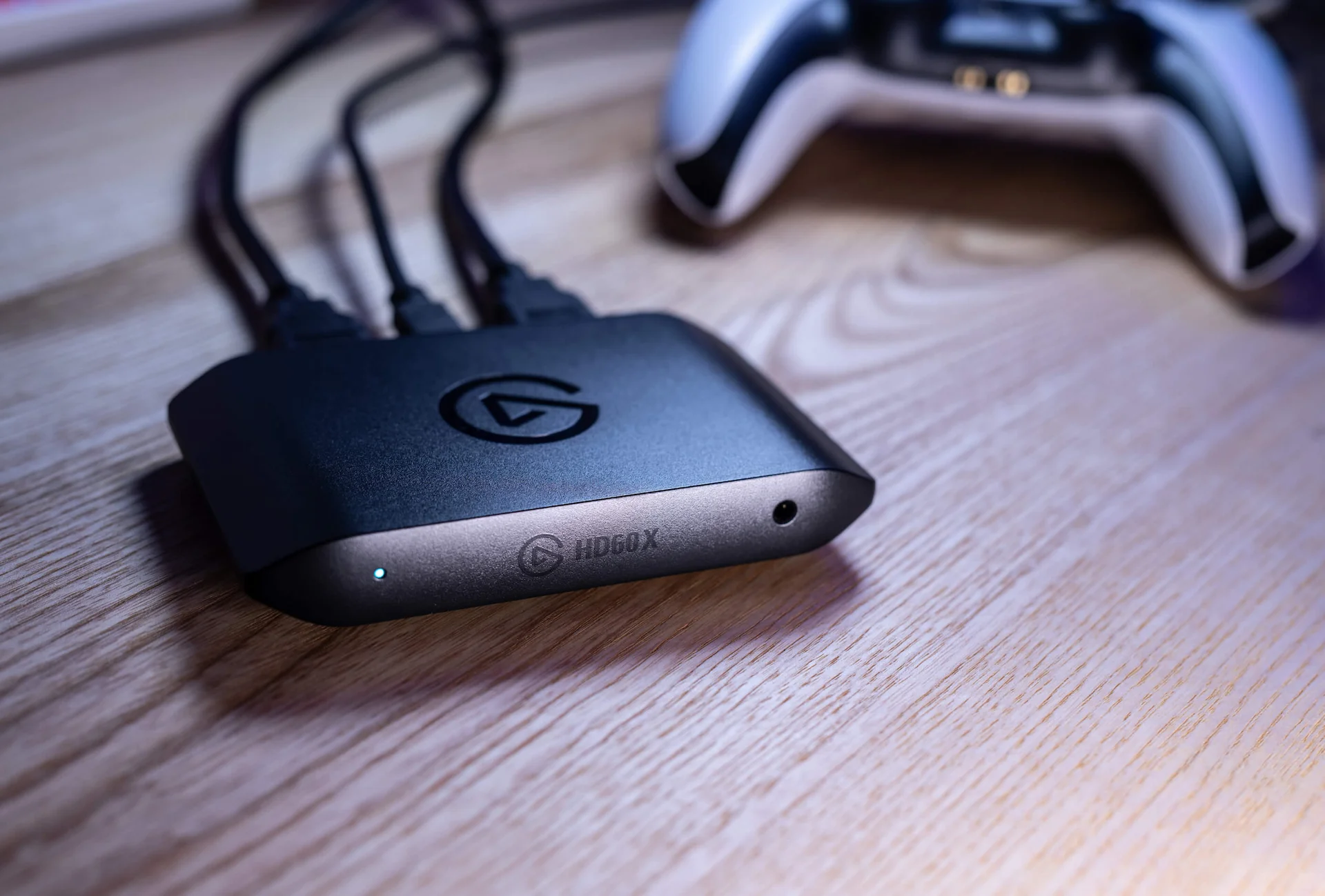
Source : Elgato
6. Berclet the audio mixer by application
Berclet is an advanced French hardware solution for application-based audio mixing. It allows you to lower the volume of a specific application without interrupting your work. Unlike other solutions, Berclet simplifies this process. You can easily adjust sound settings by simply selecting your desired application or output device with a single click, without needing to return to the Windows desktop. Then, simply drag the slider to instantly change the volume. This allows you to continue your work undisturbed.
In addition, Berclet includes an automated volume slider feature. After adjusting the volume of Google, for example, and switching to another application, the volume automatically readjusts. The smart motorized sliders remember the level you previously set.
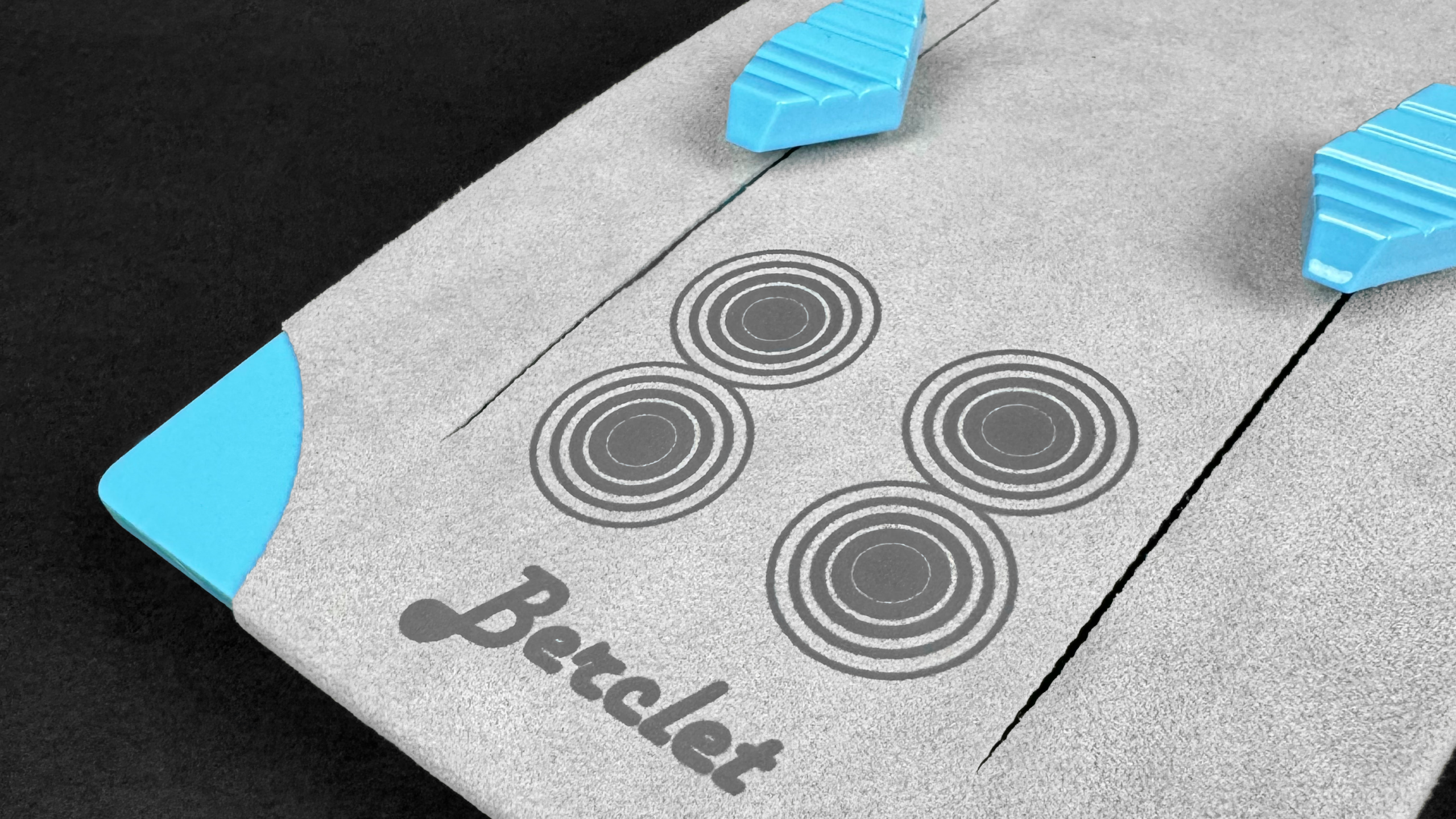
Source : Berclet
Conclusion: Start with quality streaming equipment tailored to your needs.
There you have it, you now have everything you need to get started streaming with the right equipment. Remember, the most important thing is to have fun and share your passion with your audience. So, set up your equipment, launch your first stream, and enjoy! Good luck, and above all, have fun!
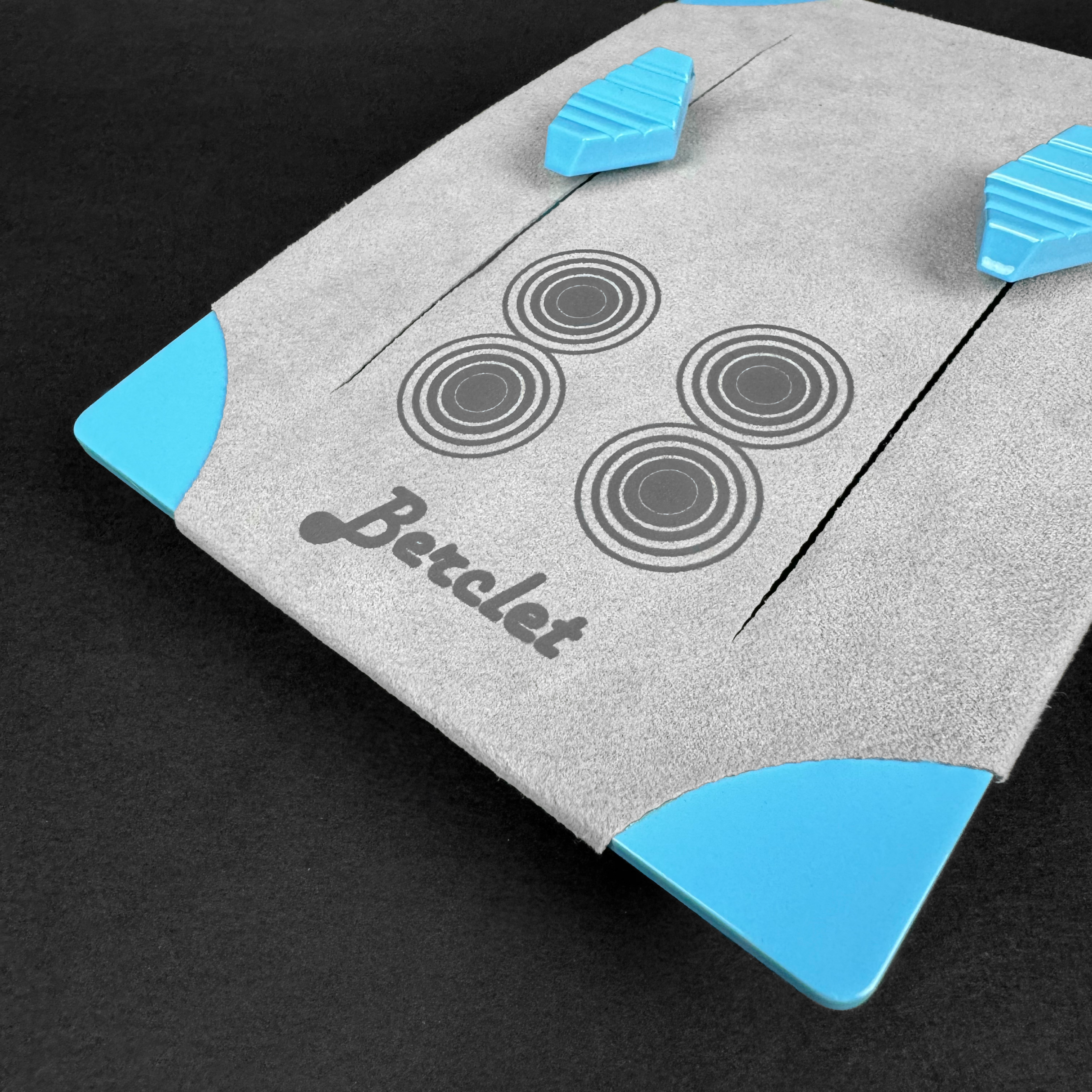
Keep your focus on your part, Berclet will take care of the sound.
Berclet gives you complete control over the volume of your applications, without leaving your game.
